Building your own community space matters more than ever, whether you need a place for customer support or just want people with shared interests to gather in one spot.
Among forum platforms, Discourse stands out for its modern interface, rich feature set, and open-source foundation. The part that stops many people is deployment. Even users with some server experience can run into odd setup problems and give up halfway.
This guide focuses on the quickest and simplest path: getting a Discourse forum online from scratch with as little friction as possible.
What you need first
Before starting, make sure you have the following:
- A server with at least 2 GB of RAM
- A domain name, or at least a subdomain
- A working SMTP mail service, along with its configuration details
Installation steps
1. Prepare the environment
1.1 Choose either a control panel or plain Docker
The example setup uses Debian 12, though other common Linux distributions are generally supported as well.
You can go one of two ways:
- Install a server panel such as
1panelto make management easier - Skip the panel and install Docker manually
If you do not use 1panel, Docker will not be installed automatically, so run:
sudo apt install docker.io
1.2 Add swap space if needed
This is usually unnecessary, but it can help on low-memory machines:
install -o root -g root -m 0600 /dev/null /swapfile
dd if=/dev/zero of=/swapfile bs=1k count=1024k
mkswap /swapfile
swapon /swapfile
echo "/swapfile swap swap auto 0 0" | tee -a /etc/fstab
sysctl -w vm.swappiness=10
1.3 Update the system
Applying updates first can help avoid bugs caused by outdated packages:
apt update
apt upgrade -y
1.4 Install Git and Ruby
sudo apt-get install git
sudo apt-get install ruby
2. Run the quick setup script
Once the environment is ready, copy and paste the following commands:
git clone https://github.com/discourse/discourse_docker.git /var/discourse
cd /var/discourse
chmod 700 containers
./discourse-setup
During setup, you will be prompted to fill in several values:
Hostname for your Discourse? [discourse.example.com]:
Email address for admin account(s)? [[email protected],[email protected]]:
SMTP server address? [smtp.example.com]:
SMTP port? [587]:
SMTP user name? [[email protected]]:
SMTP password? [pa$word]:
Let's Encrypt account email? (ENTER to skip) [[email protected]]:
Optional Maxmind License key () [xxxxxxxxxxxxxxxx]:
These fields are straightforward:
- Hostname: the domain or subdomain you want to use for the forum
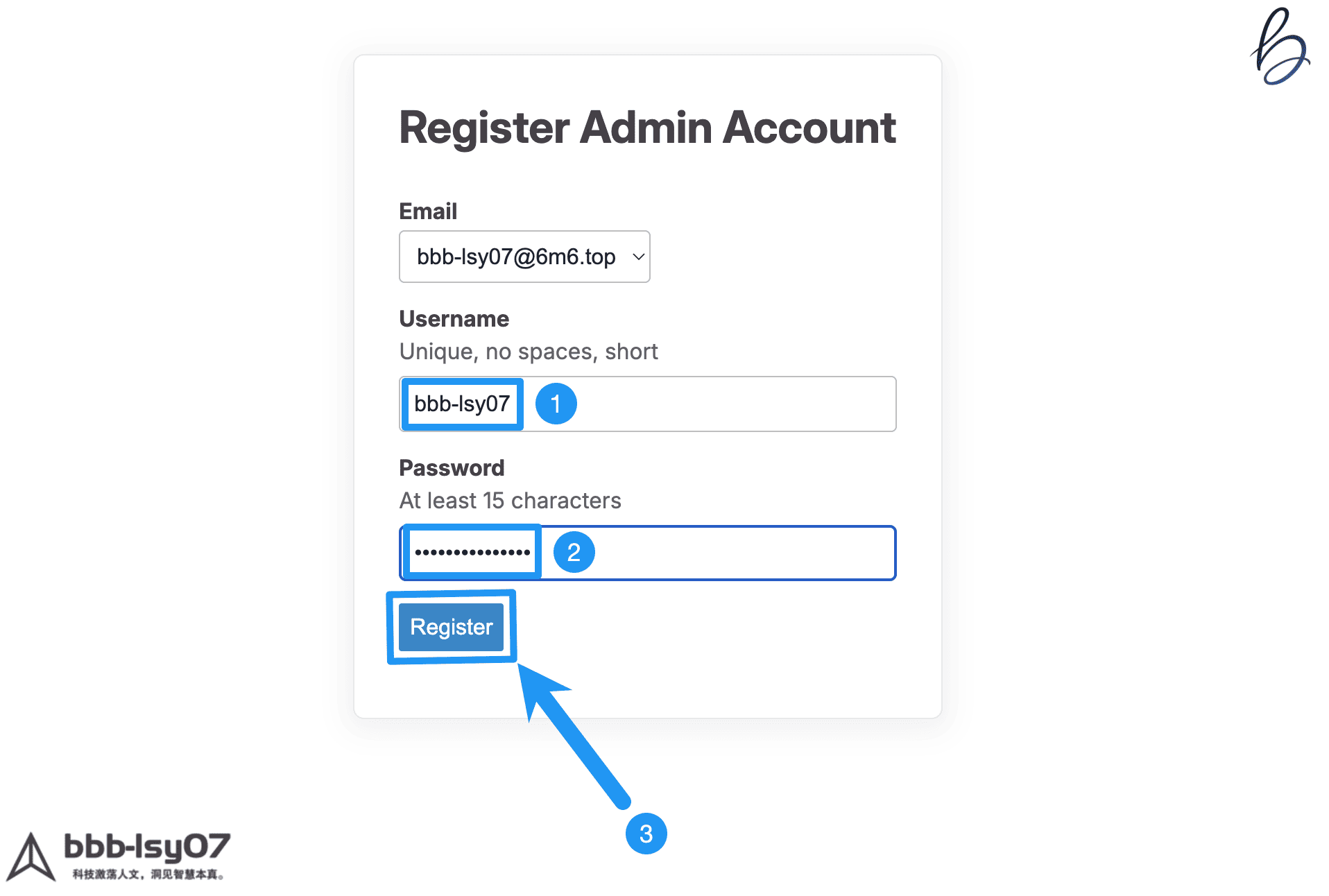
- Admin email: the email address for the administrator account
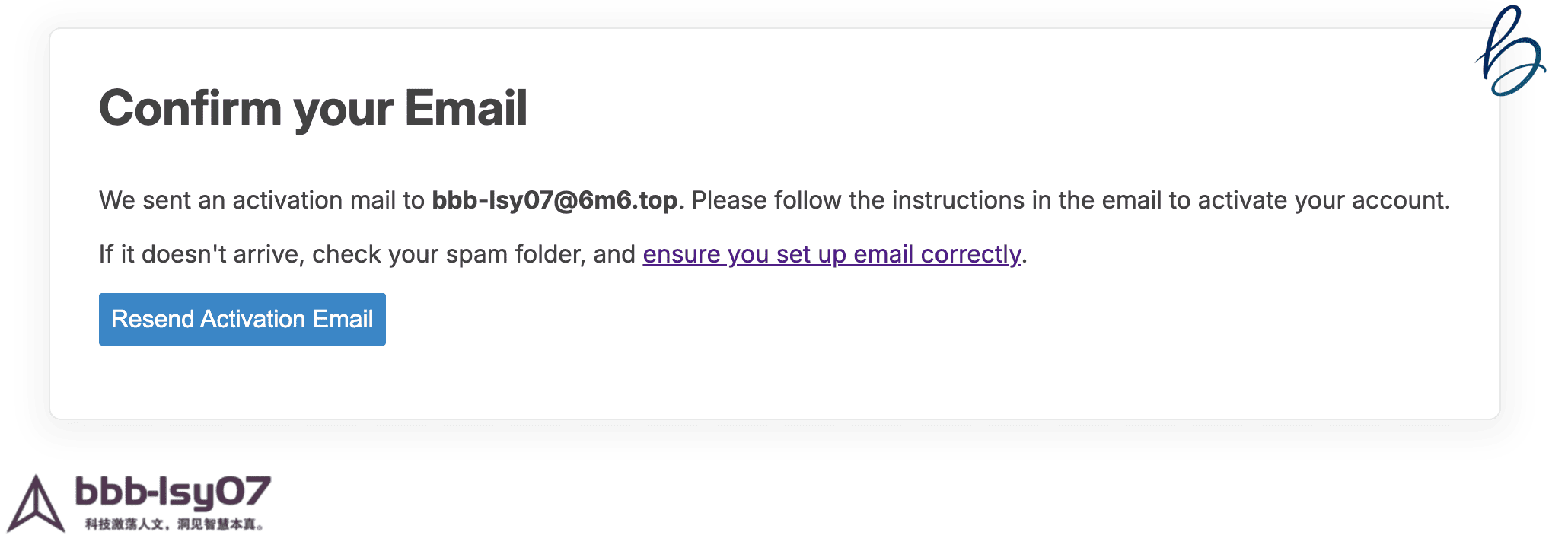
- SMTP settings: required so Discourse can send mail normally
- Let's Encrypt email: used for SSL certificate setup; you can skip it if needed
- Maxmind license key: optional
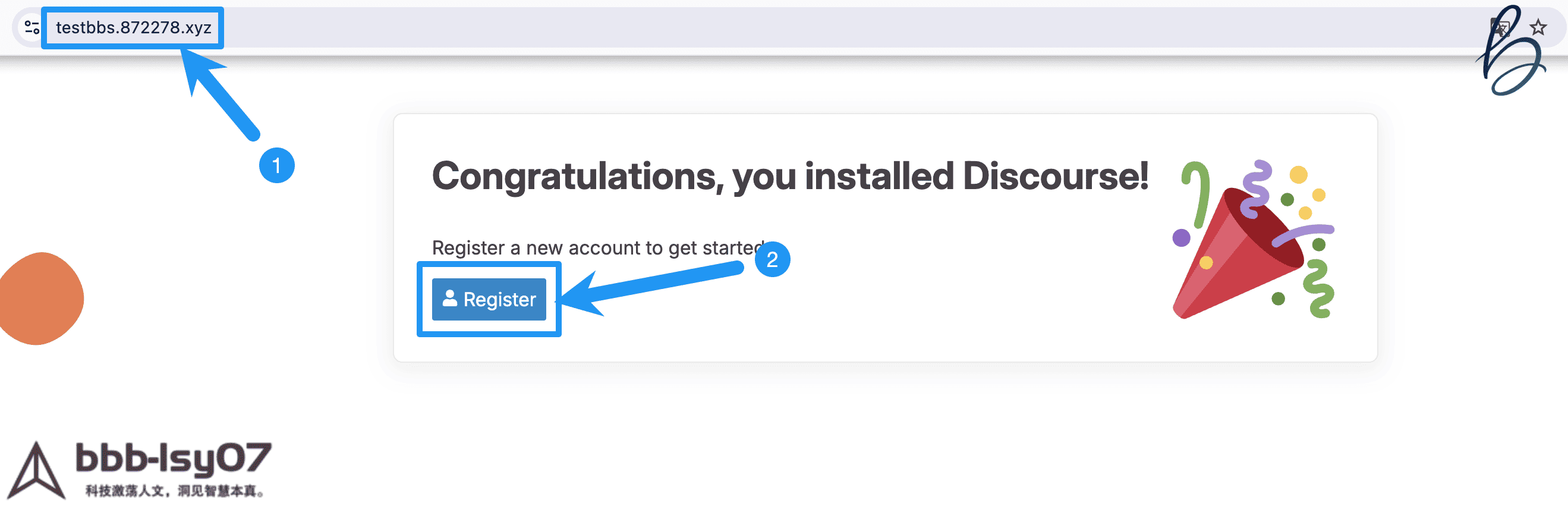
If everything goes smoothly, the installation usually finishes in about five minutes. After that, open the domain you configured and you should be able to access your new Discourse forum.