Microsoft started pushing the Windows 11 preview to Insiders yesterday, and my build finally arrived this afternoon. I immediately connected to the neighbor’s Wi-Fi and let the update run. Including the download, the whole process took a little over an hour.
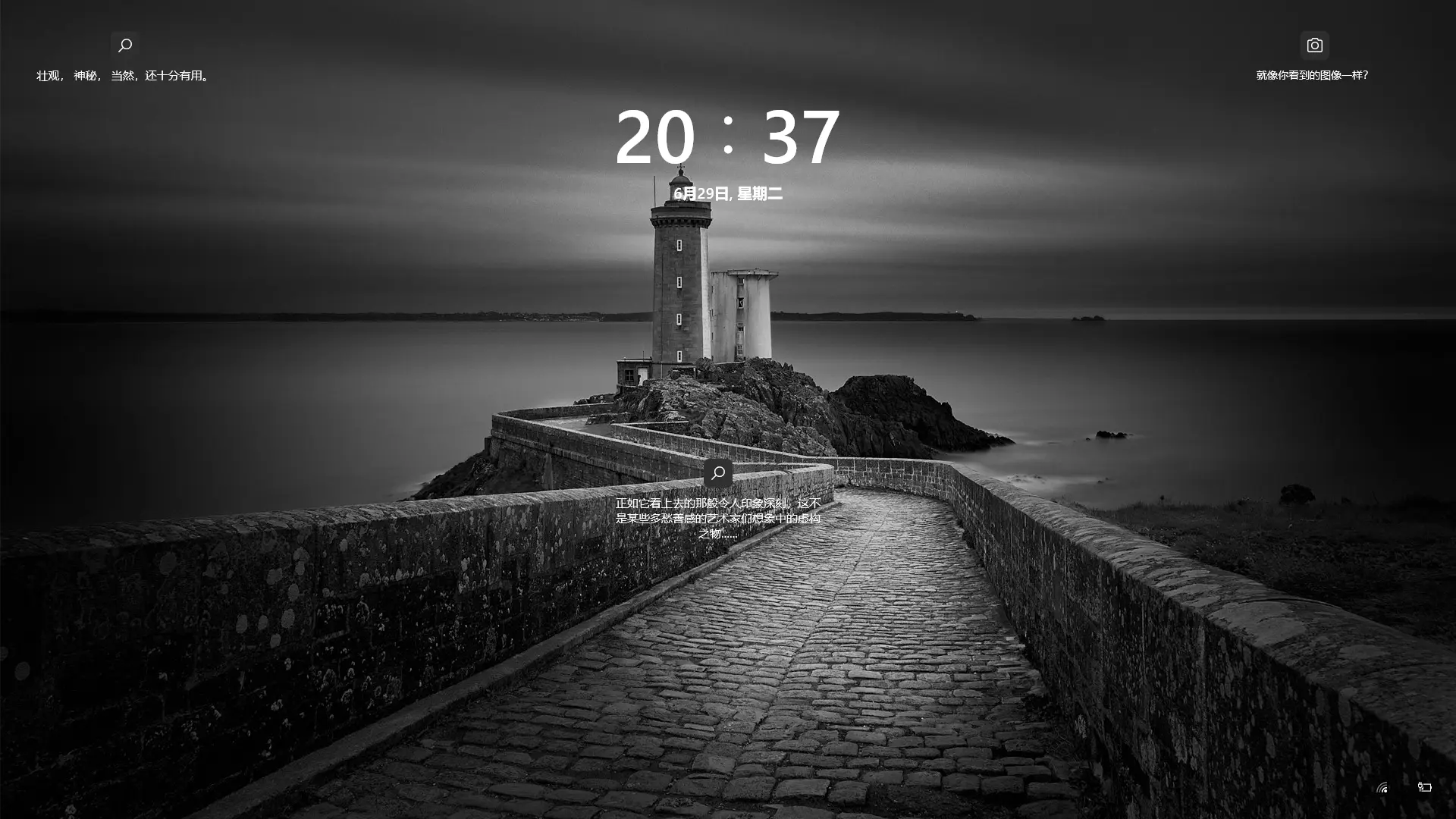
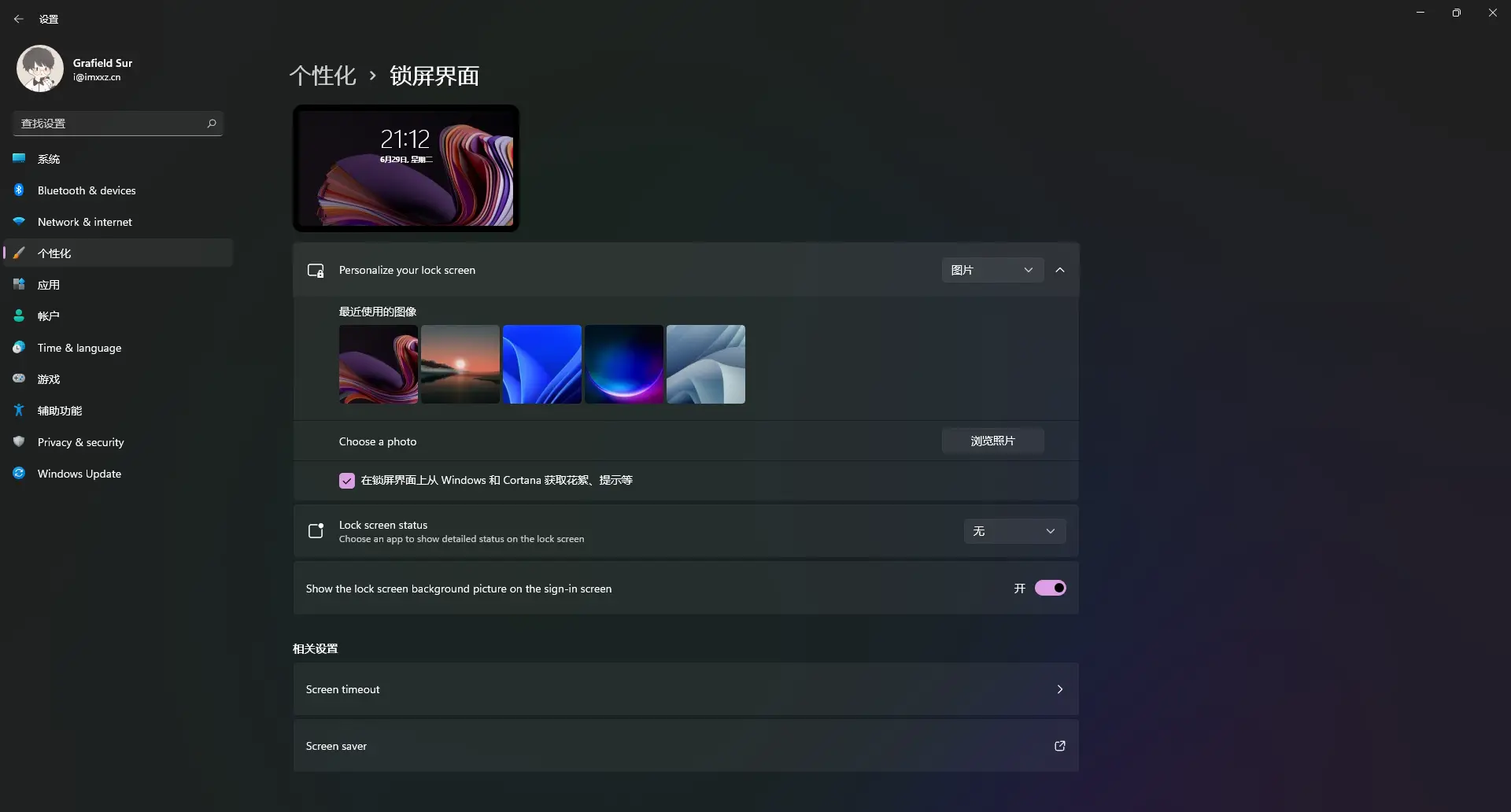
Once it finished, the new look was immediately obvious. The design fits my taste: Windows 10’s sharp right angles have given way to rounded corners, and the interface feels flatter overall. On the lock screen, the time now sits at the top center of the display.
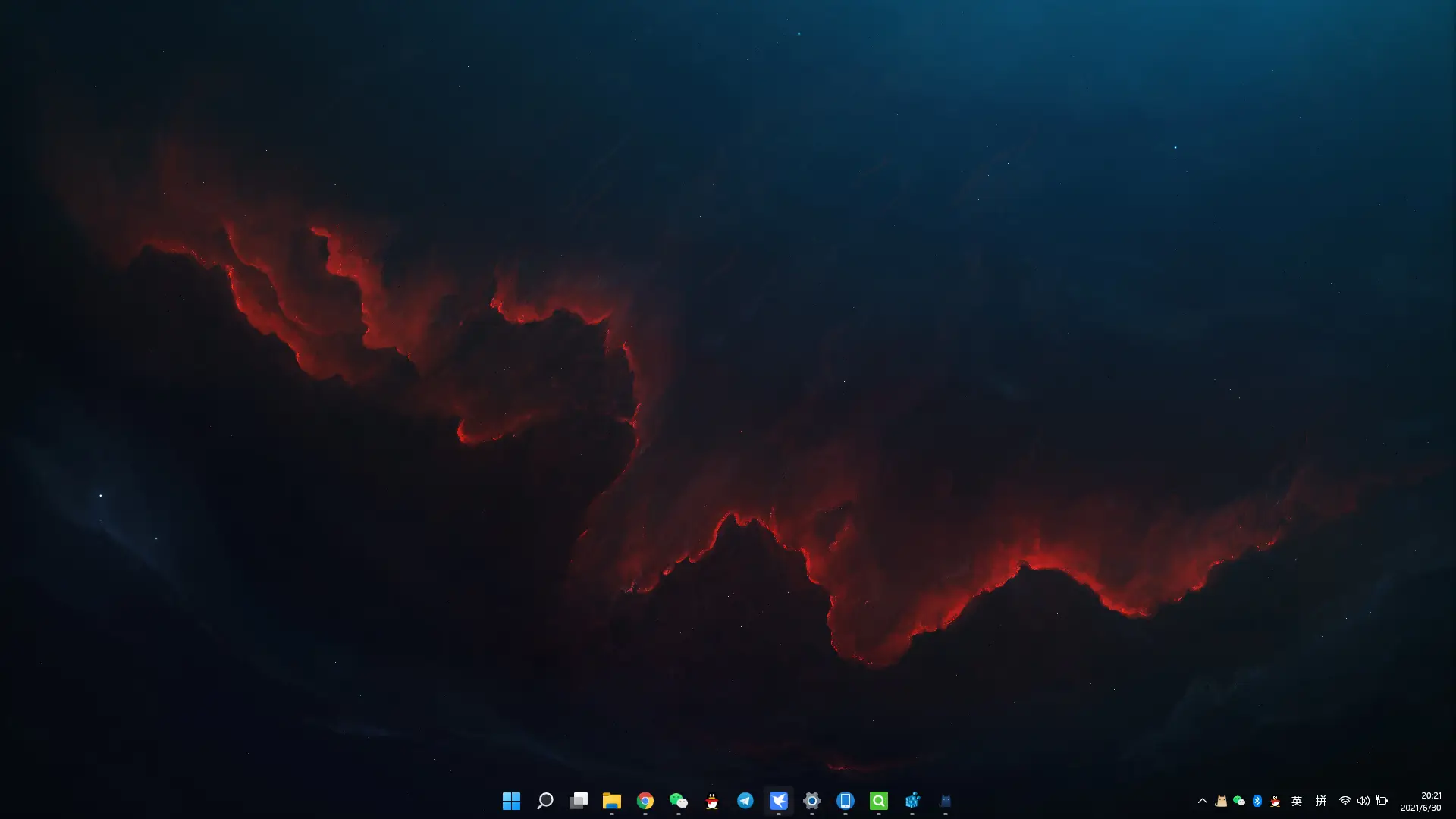
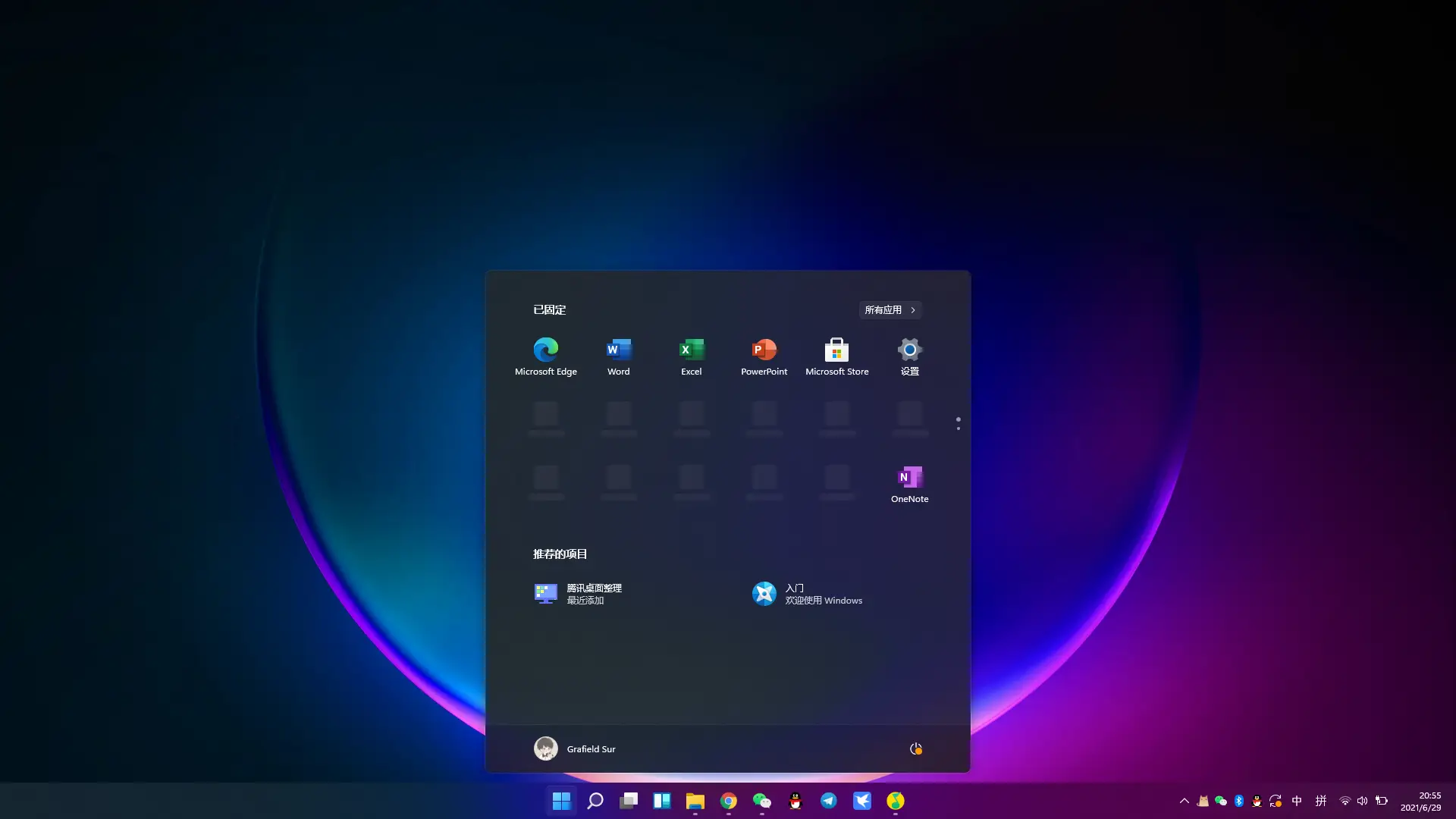
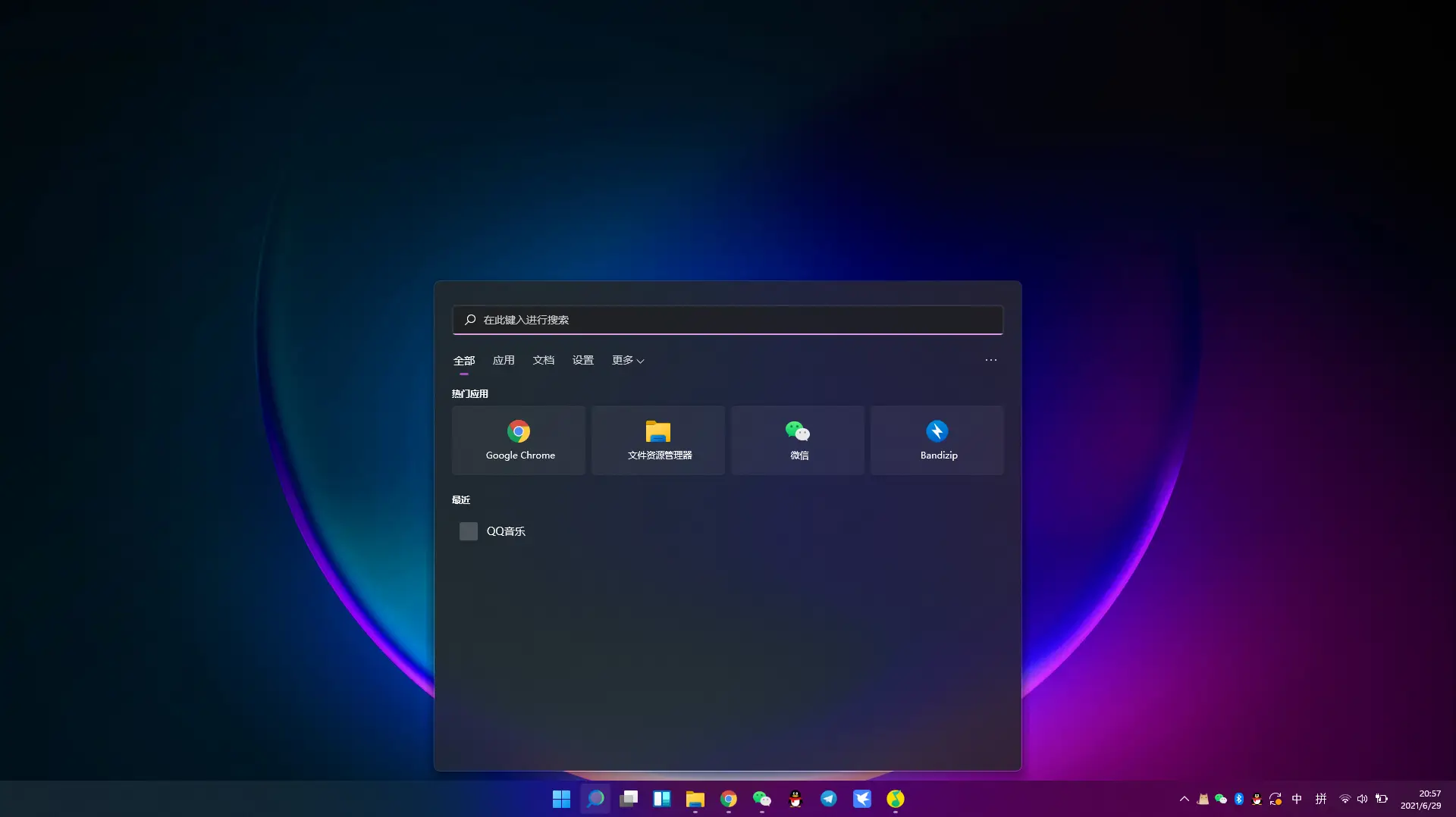
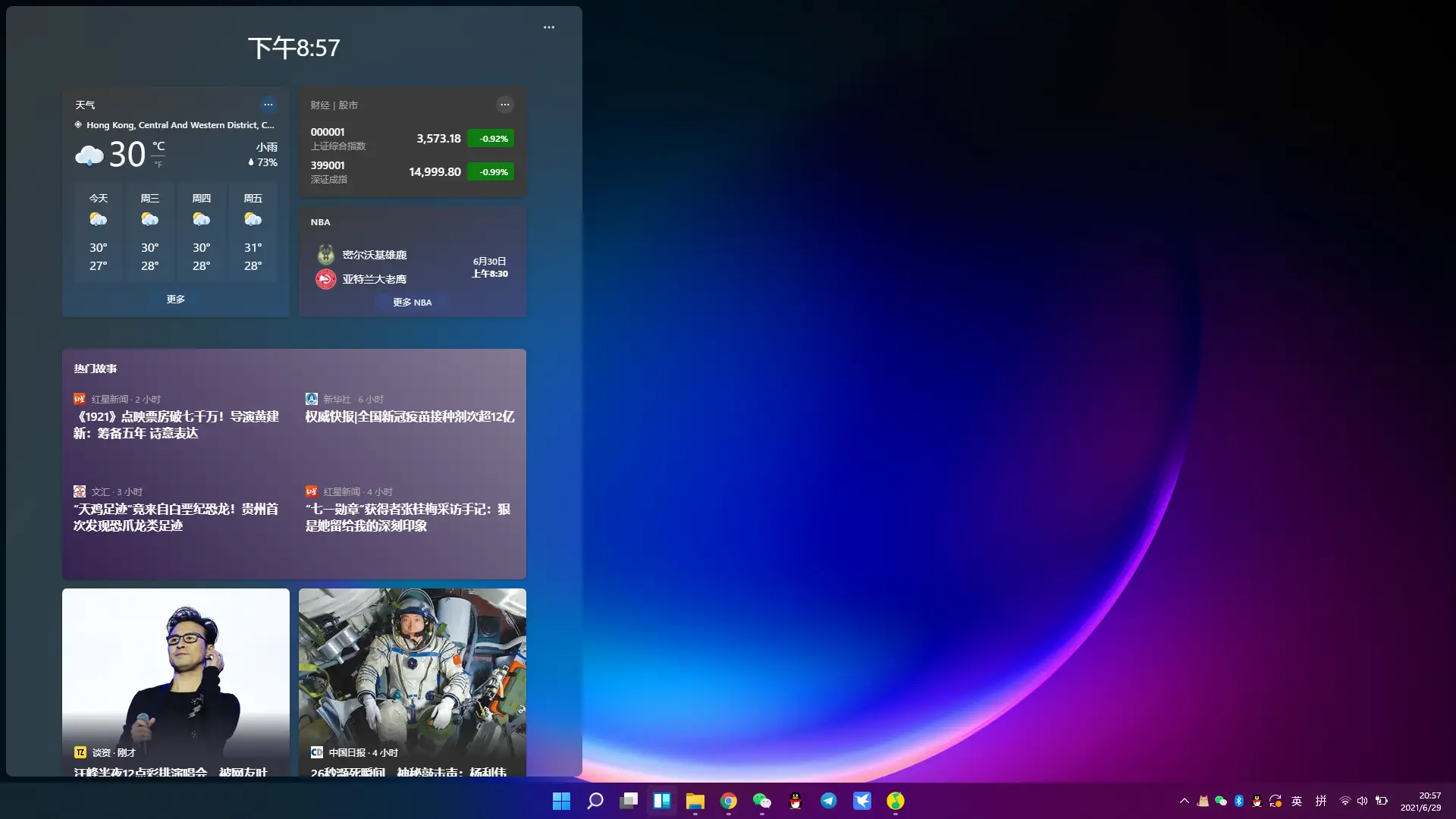
The most visible change on the desktop is the centered taskbar and the new Start button. The Start menu pins installed apps and recently opened items. It no longer shows live tiles, but I barely used those anyway, so the menu feels cleaner and more comfortable than the Windows 10 version. The search page is also much simpler. You can still press the Win key and start typing, just as before. There is also a news button, which feels a bit unnecessary to me—I doubt many people will open it to read news—but at least it can be unpinned from the taskbar. On the whole, this is a move toward simplification.
Another pleasant surprise is the updated built-in input method. It deserves a mention: typing feels excellent and smooth, and the interface is clean and uncluttered.
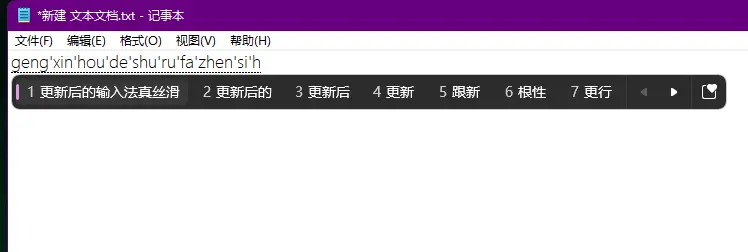
Overall, Windows 11 feels extremely fluid. The experience has been very good. There are still some bugs, but this is a developer build; by the time the final version arrives, it should be in much better shape.
Changing the preview channel
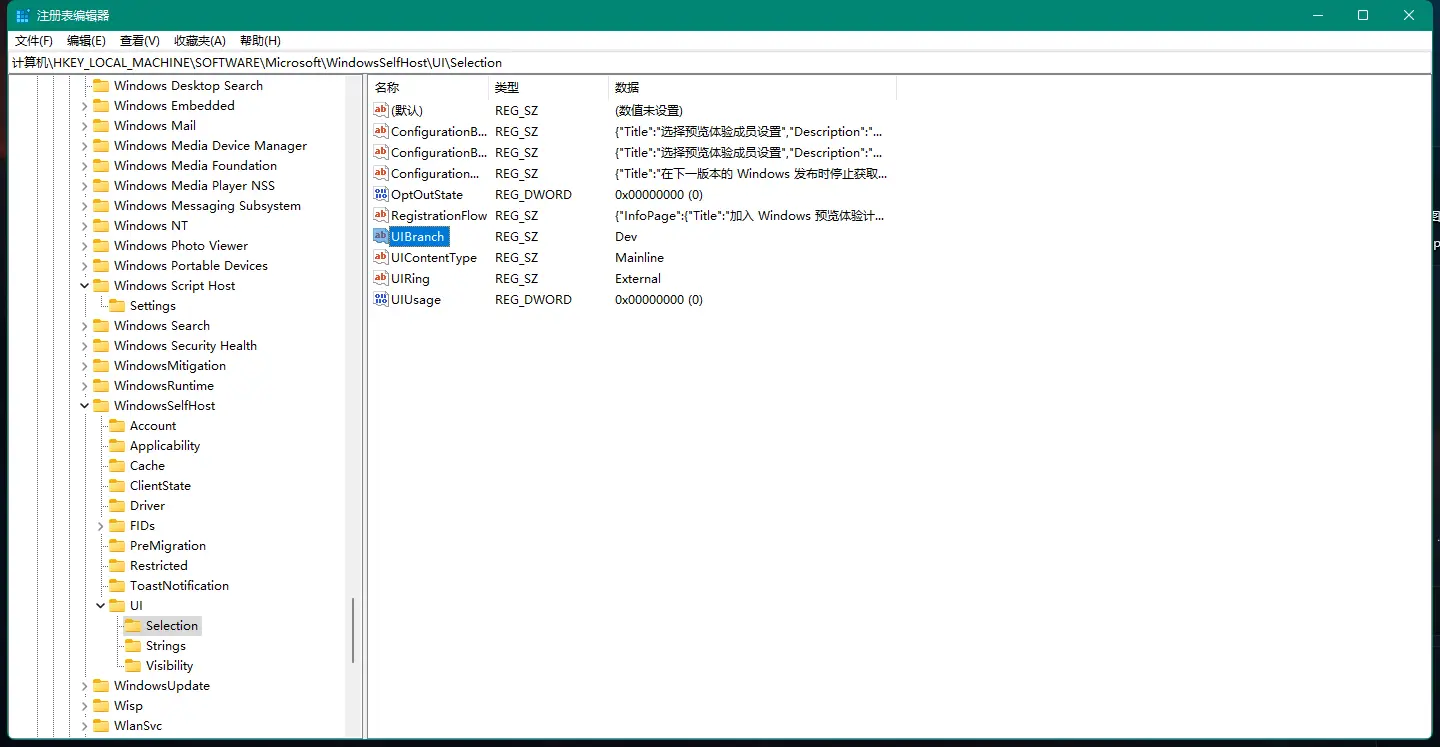
Run regedit.
Location: 计算机HKEY_LOCAL_MACHINESOFTWAREMicrosoftWindowsSelfHostUISelection (Figure 1). Change the UIBranch value to Dev.
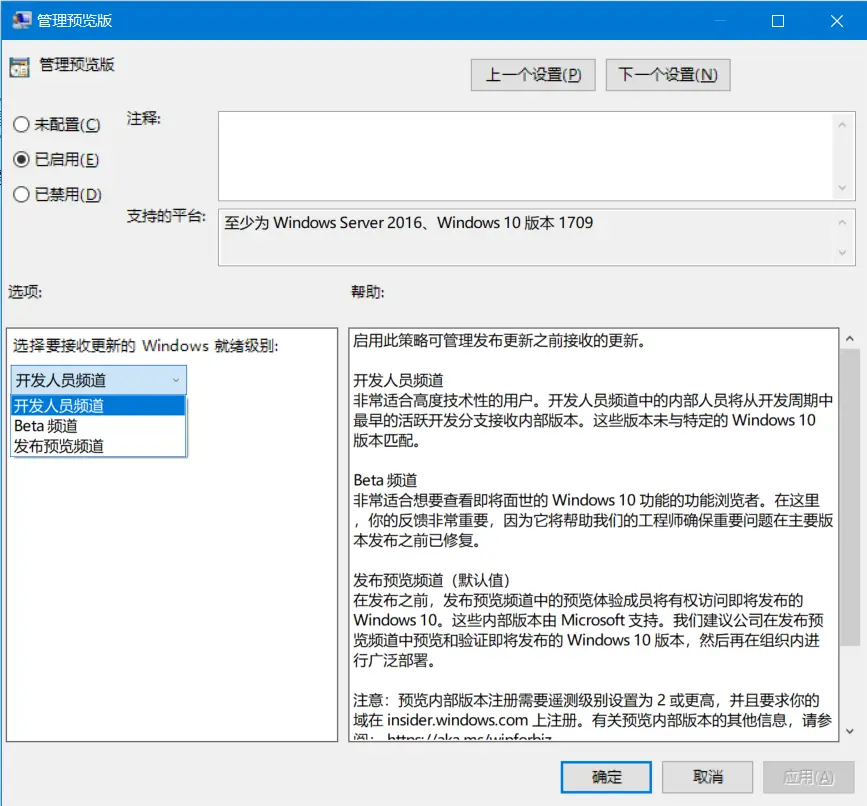
Run gpedit.msc.
Location: 计算机配置 > 管理模板 > Windows 组件 Windows > 更新 > 适用于企业版 Windows 更新>管理预览版本. Change the channel to Developer (Figure 2). Some people may not have this option, and Home editions do not include Group Policy.
If the system update runs into the following situations: 1. The update gets stuck at 8%/61%. 2. An unsupported TPM popup appears. 3. A Secure Boot popup appears (to be verified).
You can delete the file c:/$WINDOWS.\~BT/sources/appraiserres.dll and re-download.