Bilibili's desktop site has a solid foundation — it's how I watch most of the time. But the interface has barely changed in years. Dark mode dragged on for ages, ad slots kept piling up, and the category navigation grew messier with each update. Eventually it starts to feel stale.
Then hakadao came along with BewlyBewly. Instead of tweaking UI elements like most beautification scripts, it scrapped the whole thing and redesigned the interface from the ground up — clean, modern, drawing on YouTube, visionOS, and iOS for visual cues. It quickly became essential to my Bilibili browsing.
That didn't last. Someone bundled the project, put it on Safari, and started selling it — ignoring the MIT license and even pushing user complaints and maintenance duties onto the original author. The result was BewlyBewly being archived and discontinued. A subsequent Bilibili API update also broke the homepage recommendations (you can temporarily work around it by switching to the app-side algorithm in settings).
Open-source communities rarely lack people willing to carry the torch. Developers including 雨霁影清 soon stepped up with BewlyCat as a successor — keeping the original design language intact, continuously adapting to Bilibili's API changes, and adding practical features along the way. The latest version is v1.5.7.
You can install it directly from:
- Edge Add-ons
- Chrome Web Store
- Firefox Add-ons
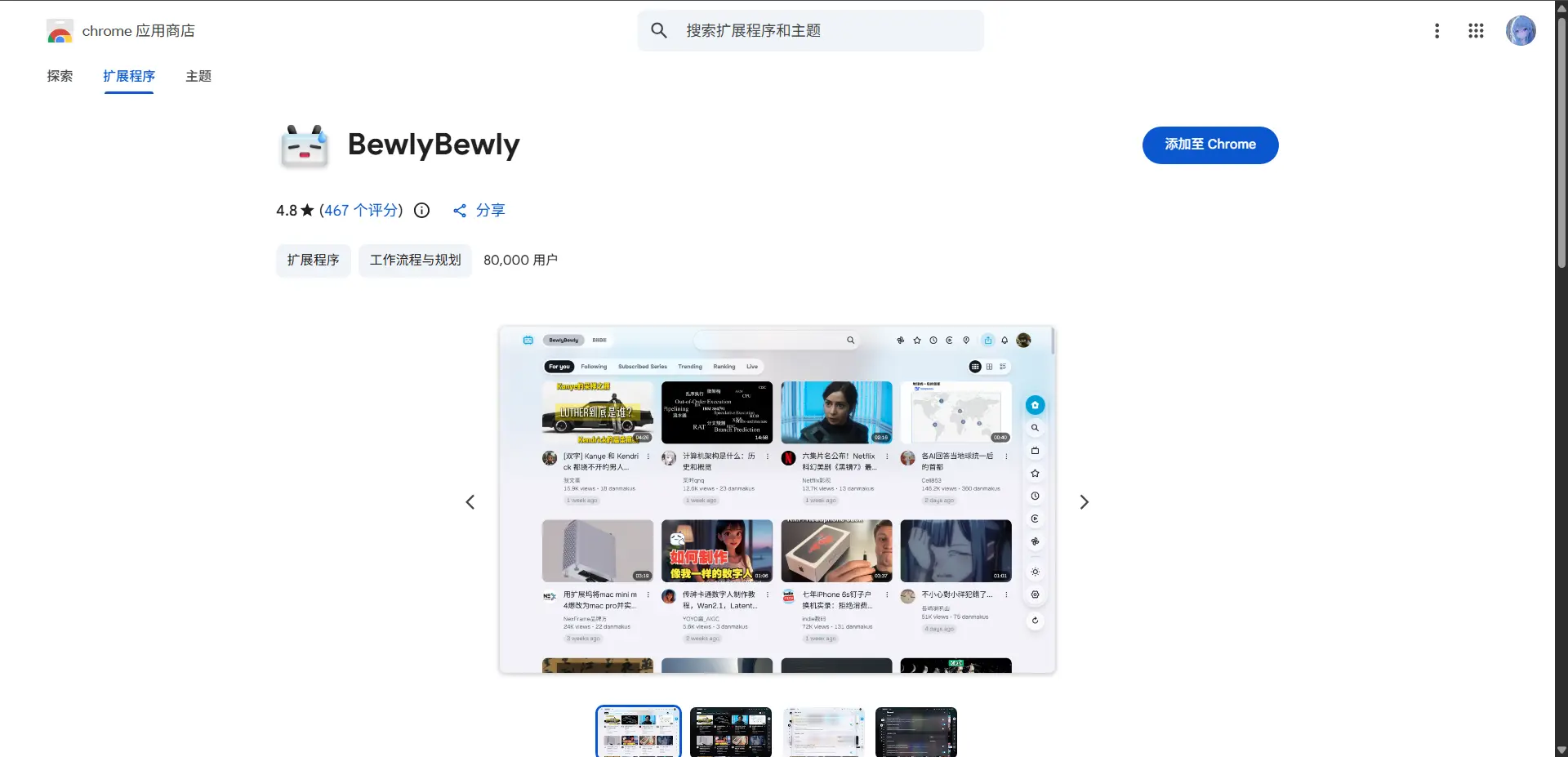
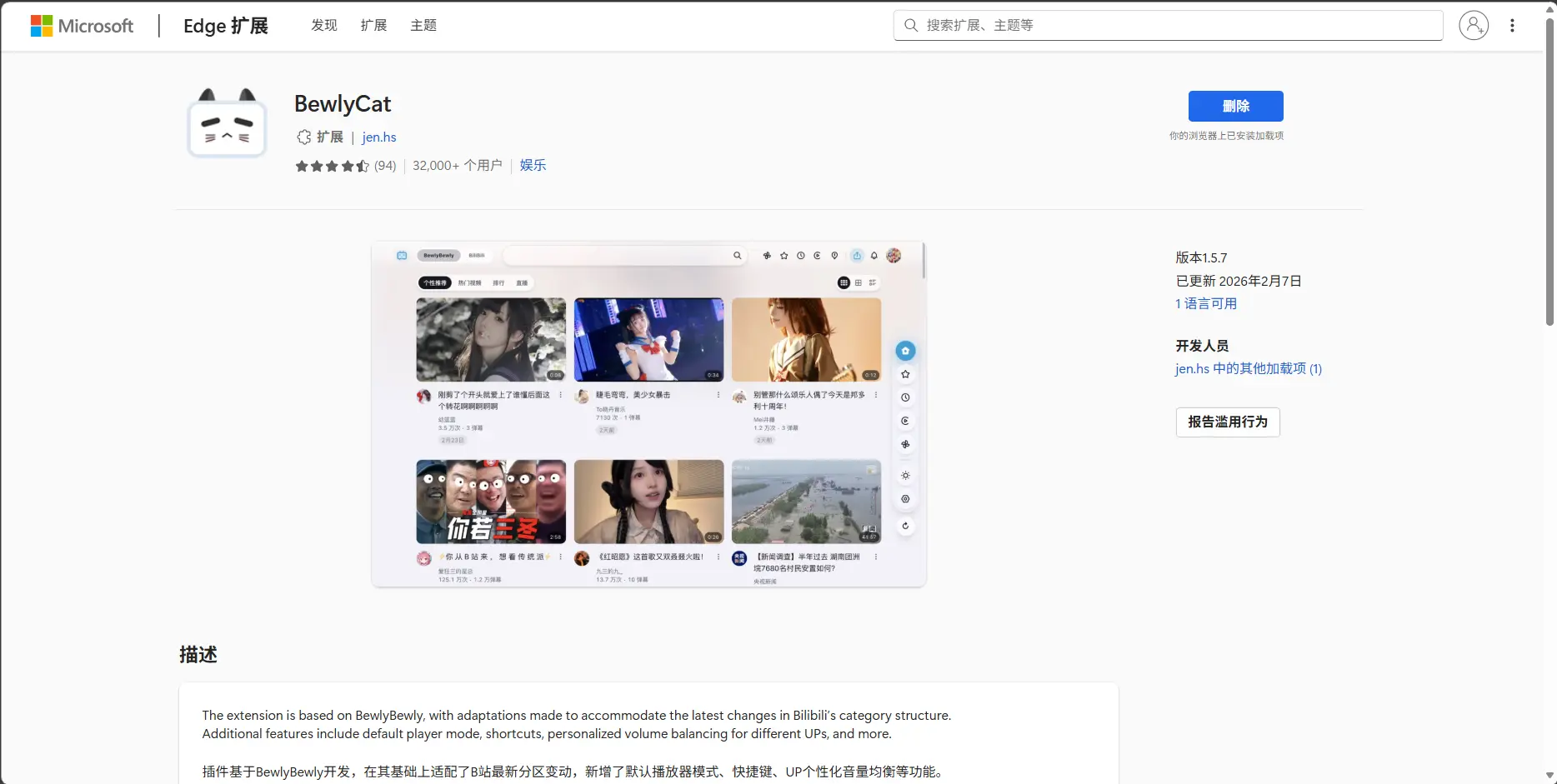
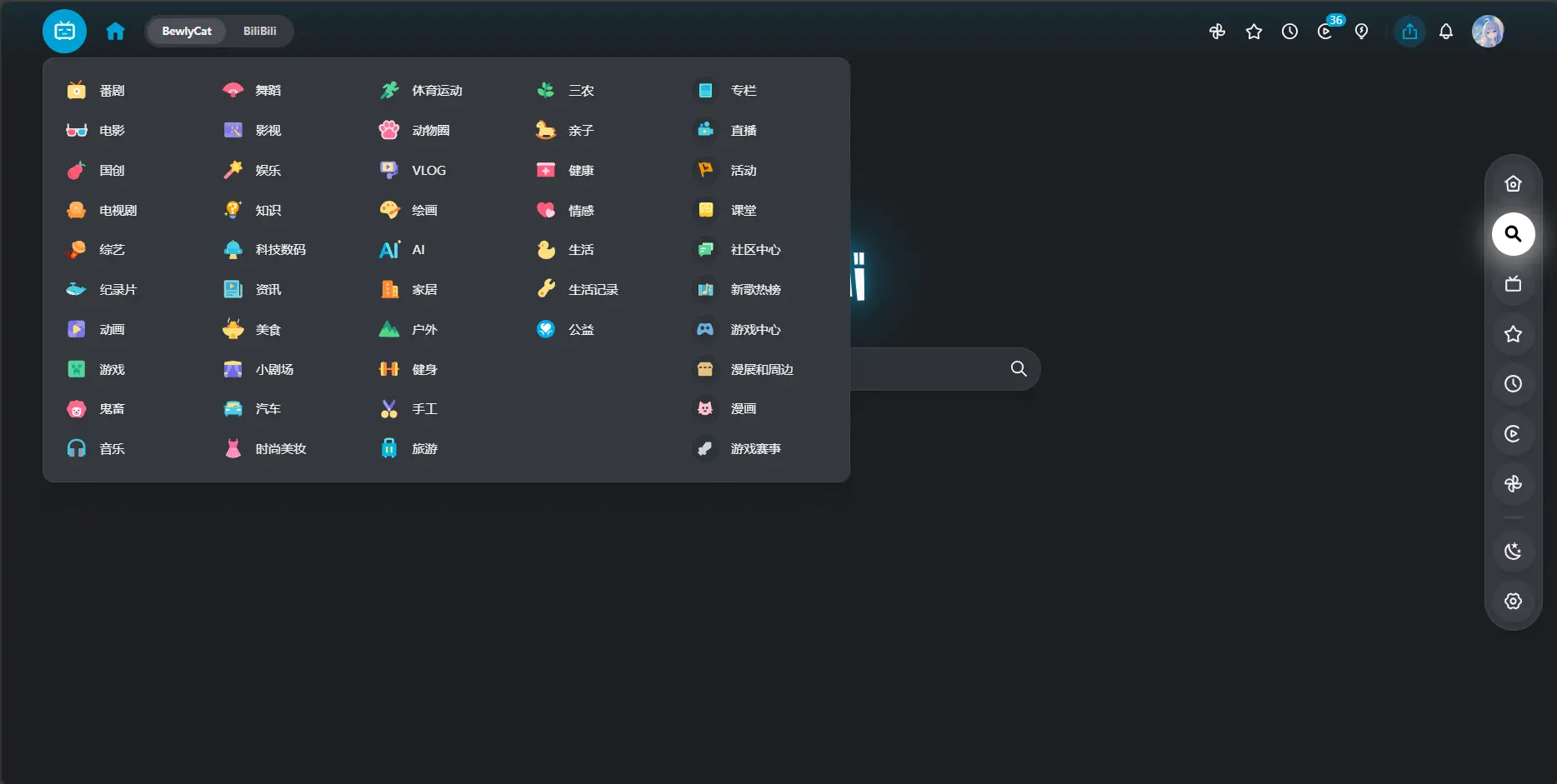
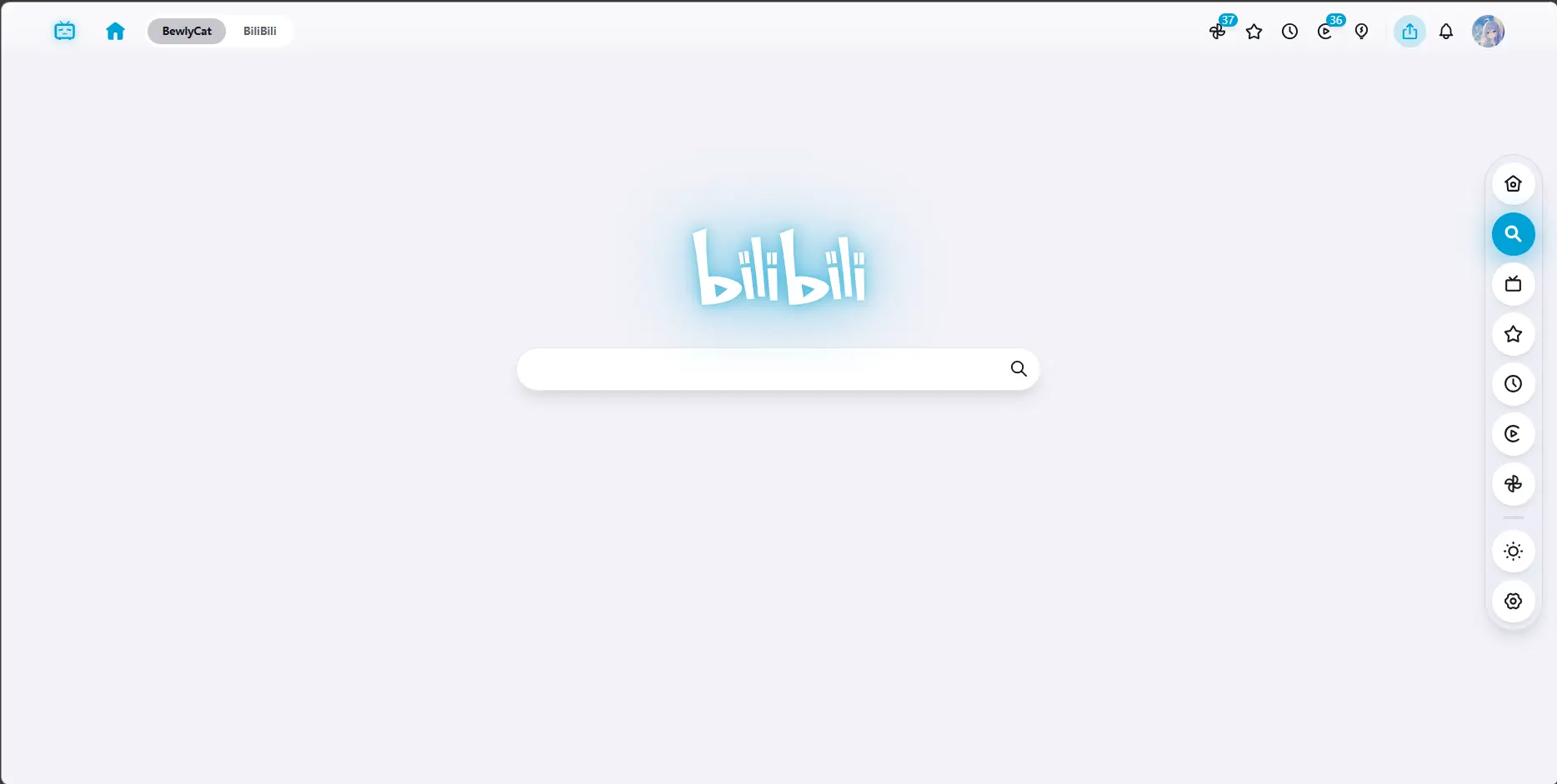
The homepage is where the change hits first. The giant ad carousel is gone, and the category menu now hides behind the logo in the top-left corner — the whole page feels instantly cleaner. Hovering a video card previews its content, uploader info sits right below, and a new dock on the right keeps frequently used pages and functions one click away. Dark mode is finally complete too, with a quick toggle in the dock.

Recommendations support both web and app modes. The app-side algorithm usually fits your taste better. To switch: Settings → BewlyCat Interface → Homepage → Recommendation Mode → select App, then scan a QR code with the Bilibili app to authorize and obtain an access key.
The search page got a modern rework as well, with a clearer layout. You can also set it so the 22 and 33 mascots appear when the search bar is focused.
Watch history, the anime section, and other pages have been rebuilt to match, giving everything a consistent, polished look.


What really stands out is the level of customization. The settings page covers nearly every detail: font size, card dimensions, shadow intensity, background wallpaper, rules for opening links in new tabs, ad blocking, and more.
At its heart, open source is about sharing and collaboration — not about becoming unpaid labor for endless demands. Choosing the MIT license was an act of goodwill and openness. While we enjoy the convenience, a bit more respect and understanding would go a long way: leave a star, be friendly when filing an issue. Thanks to every developer who gives their time freely to make the community better.