While reading through Kali's tool documentation, I noticed that some demos were shown as animated ASCII text—and the text could still be copied in real time.
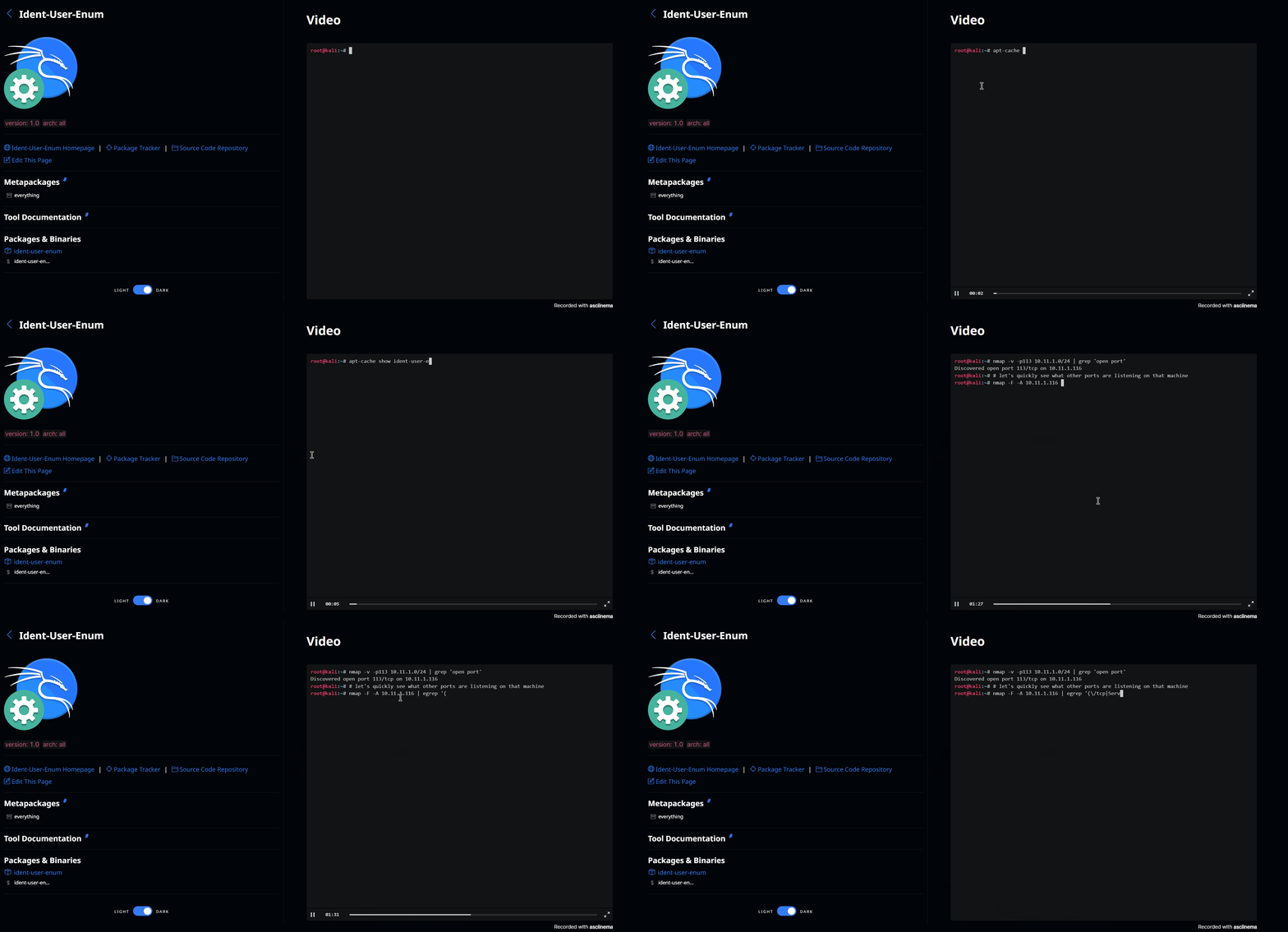
That led me to asciinema, an open-source terminal recorder written in Rust. It captures a terminal session as it happens. A recording can be hosted on asciinema.org, where it gets a free online link that anyone can visit or embed in a web page. There is also agg, which converts a recording into a GIF.
Installation
# apt (Debian, Ubuntu, Kali)
sudo apt install asciinema

# pacman (Arch, Manjaro)
sudo pacman -S asciinema

# Homebrew (macOS)
brew install asciinema
Recording and playback
Recording starts with:
asciinema rec demo.cast
This opens a new terminal, and everything that happens inside it is saved to demo.cast. To stop recording, press Ctrl + D or type exit.
Playback uses:
asciinema play demo.cast
Press the spacebar to pause and Ctrl + C to quit playback.
Sharing recordings
To share recordings, first register an account with an email address at https://asciinema.org/login/new. Then run asciinema auth in the terminal to get a URL for binding the account:

Open that URL in a browser to bind the machine. After that, every recording uploaded from this machine will be saved to the bound account. Upload a recording with:
asciinema upload demo.cast

When the upload finishes, it produces an associated address. By default, anyone who knows the address can view the recording.
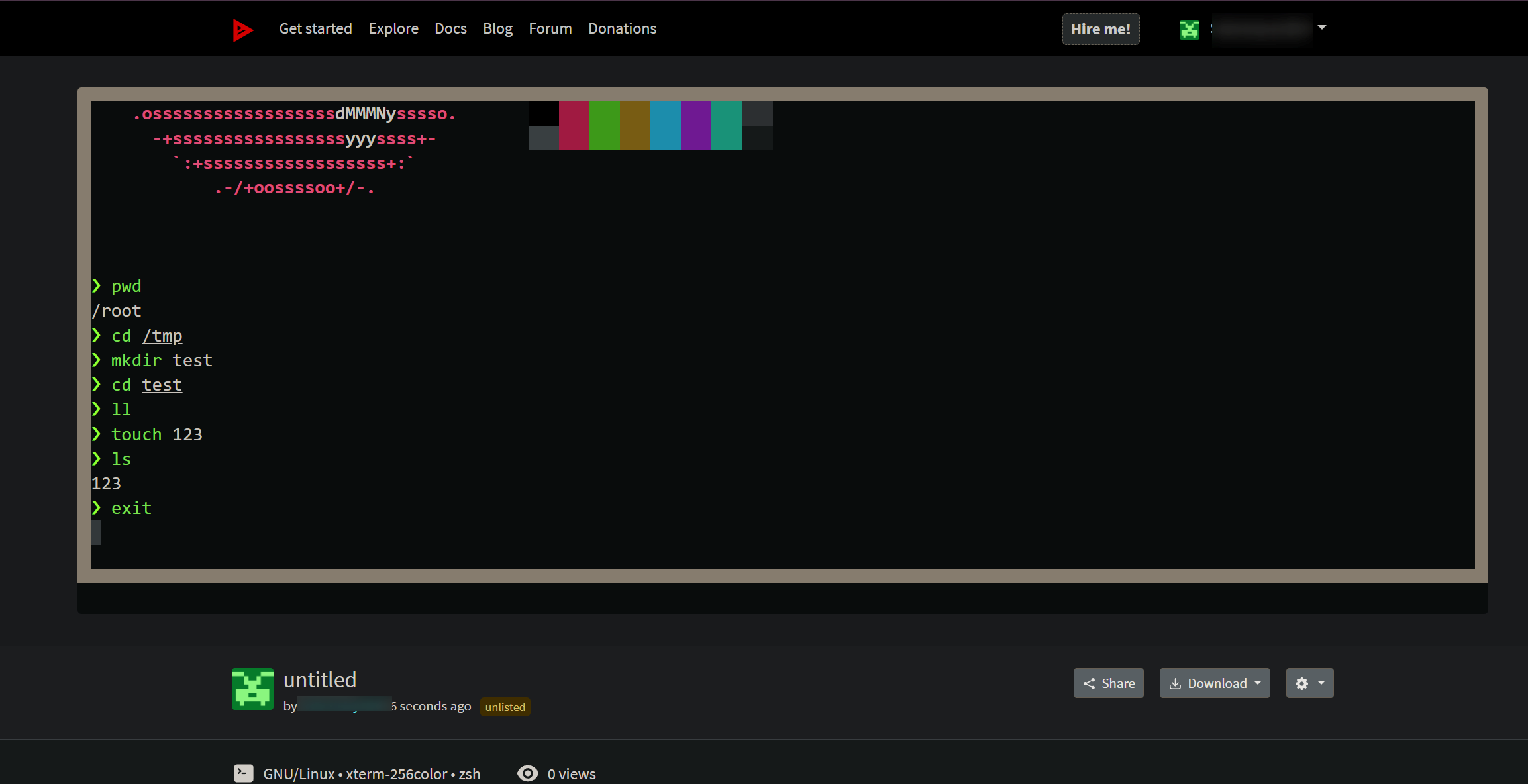
Converting a recording to a GIF
Install agg (asciinema gif generator) by going to the project's release page and downloading the build for your operating system and architecture. For an x86 Linux system, the installation example is:
wget https://github.com/asciinema/agg/releases/download/v1.4.3/agg-x86_64-unknown-linux-gnu -O agg
chmod a+x agg
sudo mv agg /usr/local/bin
Basic usage:
agg demo.cast demo1.gif # convert a local file
agg https://asciinema.org/a/N8Xc6TQUnpNZbbXAUnNuOKwyh demo2.gif # convert an online file

Embedding a recording in a web page
After uploading a recording, the management page provides the embed code:
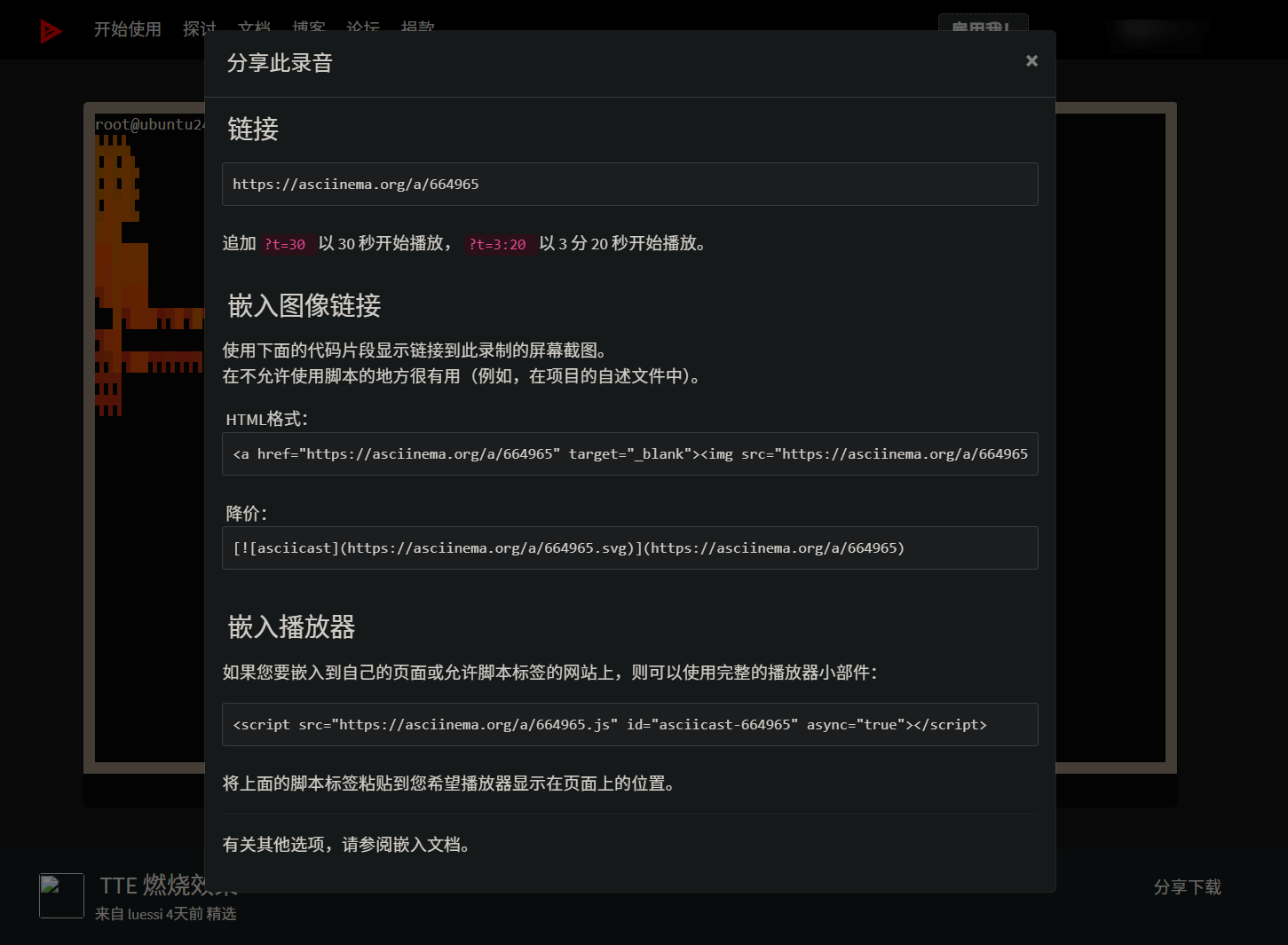
Note: Hexo's post page renderer may not render the script tag. Using a page layout or converting the recording to a GIF and including that instead is recommended.
To embed a standalone player:
<script src="https://asciinema.org/a/bJMOlPe5F4mFLY0Rl6fiJSOp3.js" id="asciicast-bJMOlPe5F4mFLY0Rl6fiJSOp3" async></script>
To embed it as an image link:
<a href="https://asciinema.org/a/645350" target="_blank"><img src="/images/aefb24c02a776c061a612cc85c9cc9c4c495f6e1fcb46c8f5a74df01e991b49c.svg" /></a>