The online social insurance service platform is at https://fuwu.rsj.beijing.gov.cn/zhrs/yltc/ytlc-home. Before logging in, you need to have the electronic business license ready.

Get the electronic business license first
Search for the Electronic Business License mini program in Alipay or WeChat.
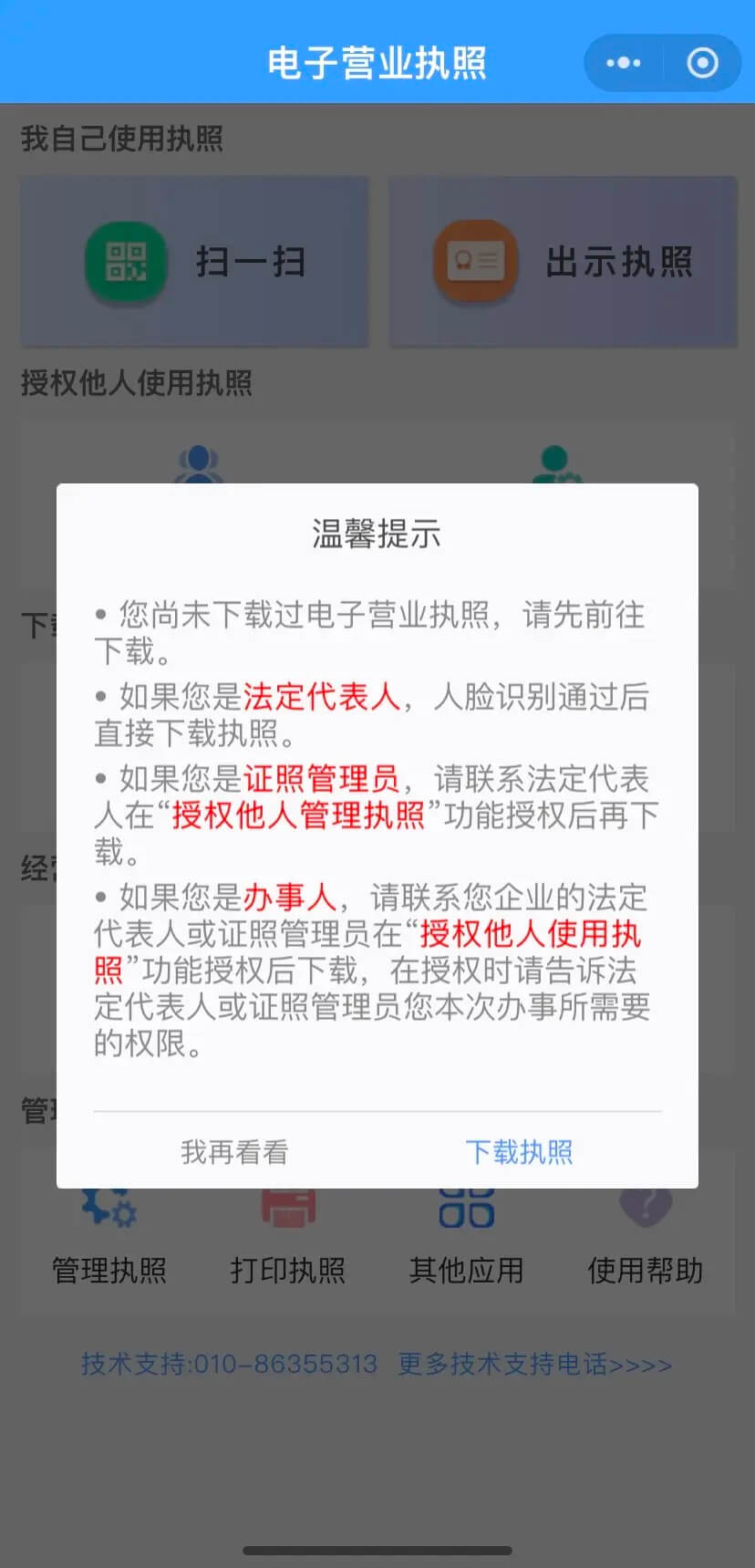
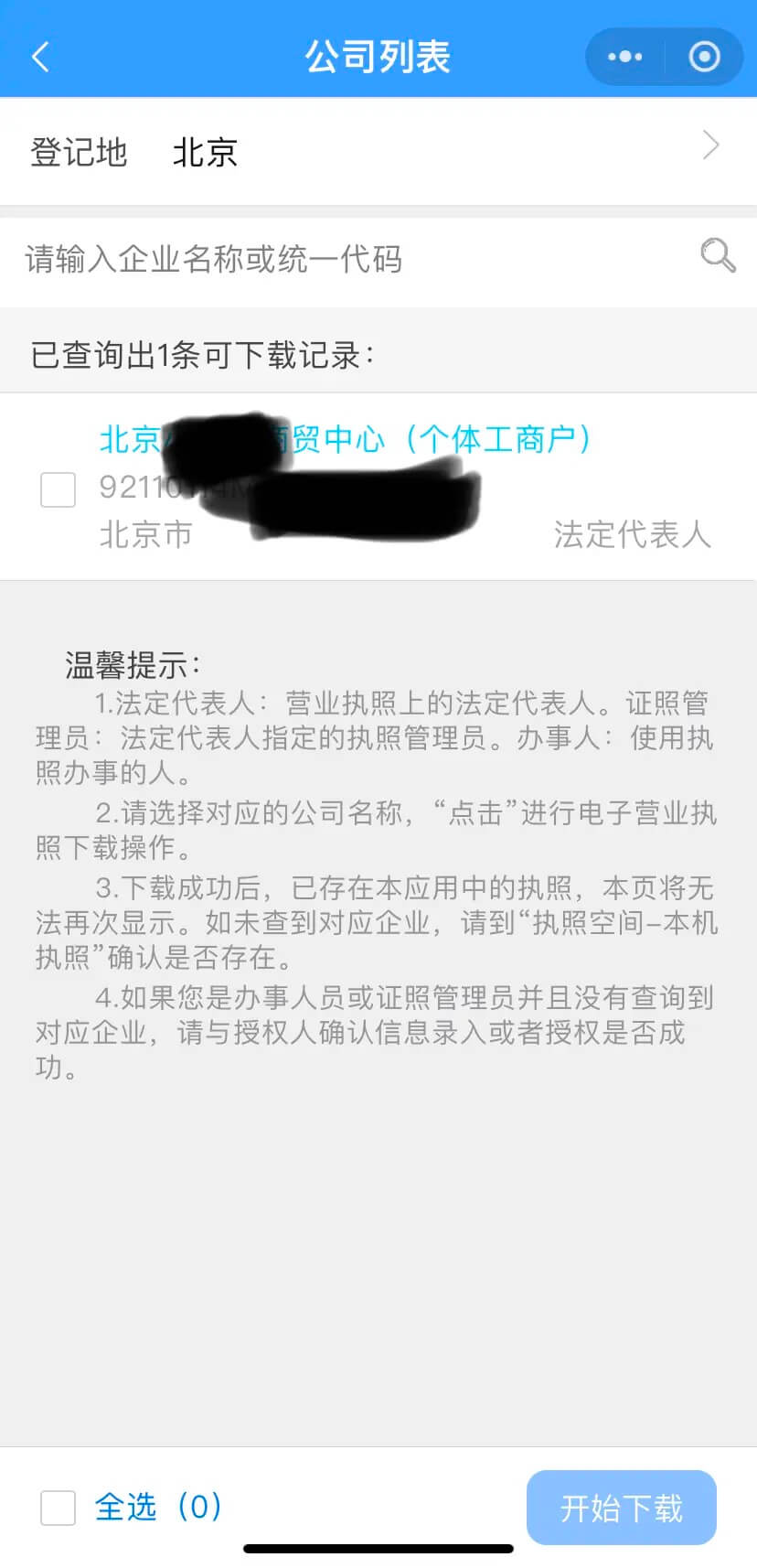
On first login, a prompt appears. Tap Download License, choose Beijing as the registration location, select the sole proprietorship record shown, then start the download.
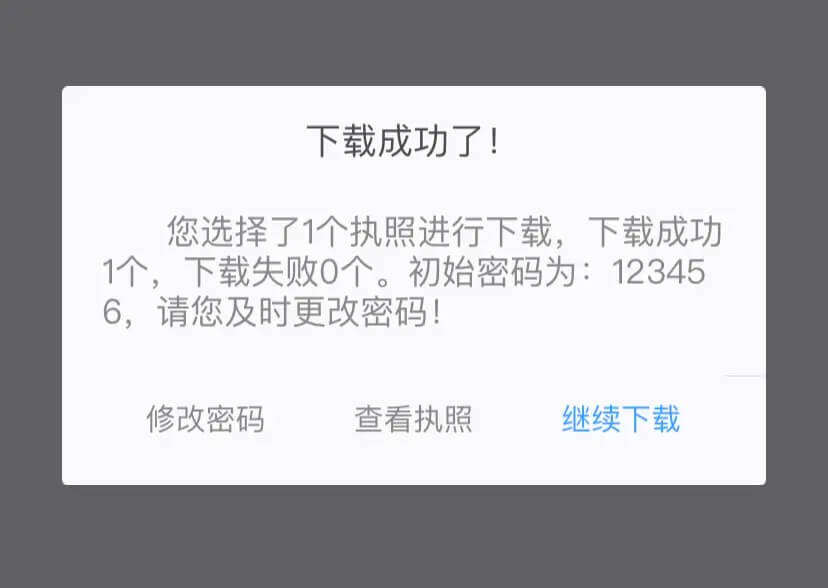
After downloading, you will be prompted to change the password. It is worth doing so.
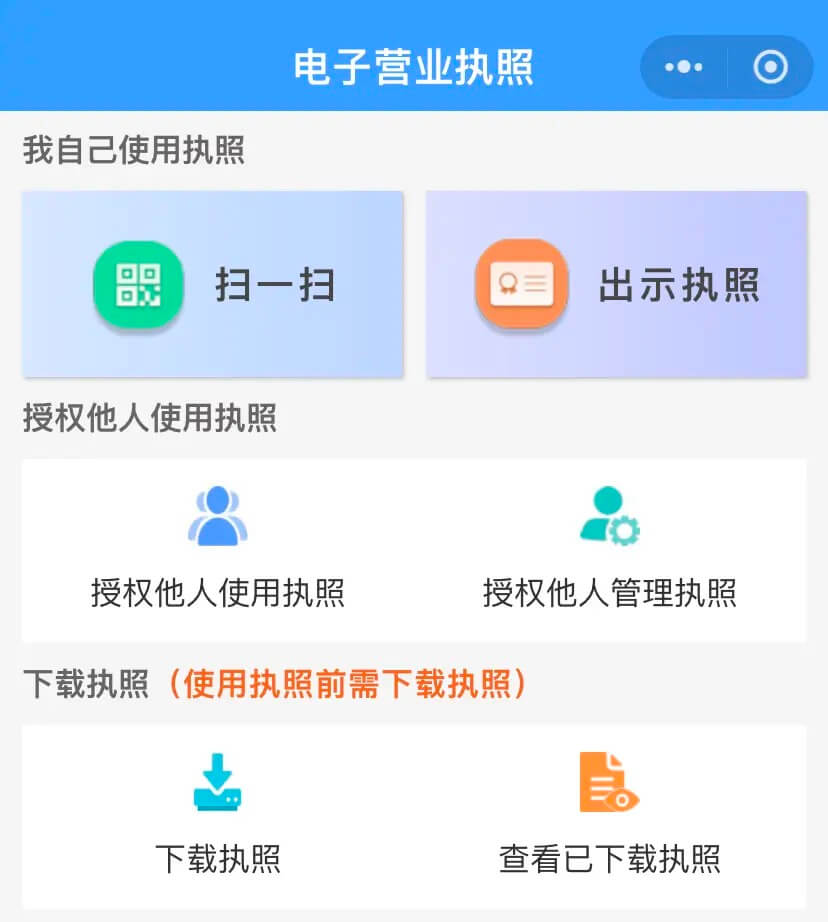
Whenever a site needs electronic business license login, use the Scan option in the mini program.
Log in as the employer
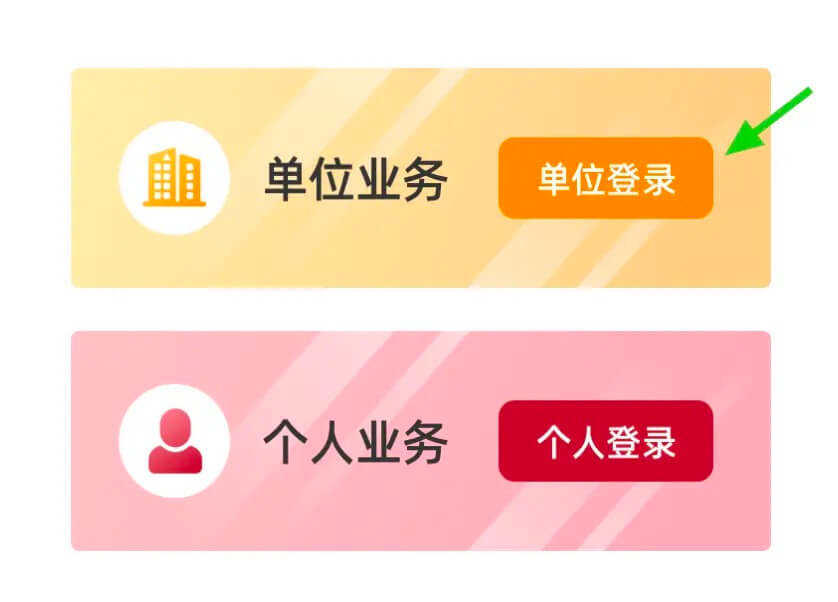
Tap Employer Login. This takes you to the unified login page, where you scan the QR code using the Electronic Business License mini program.
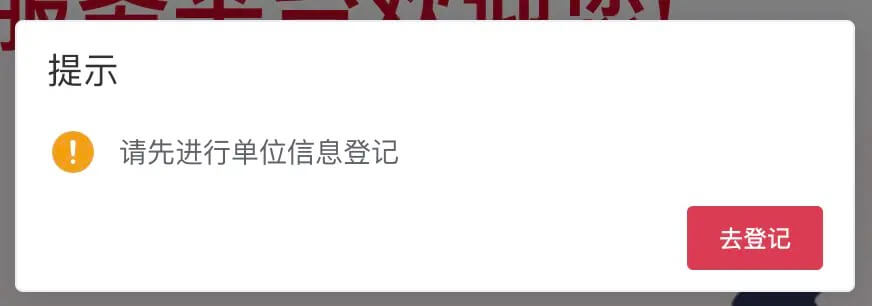
A registration prompt appears first. Tap Go to Registration.
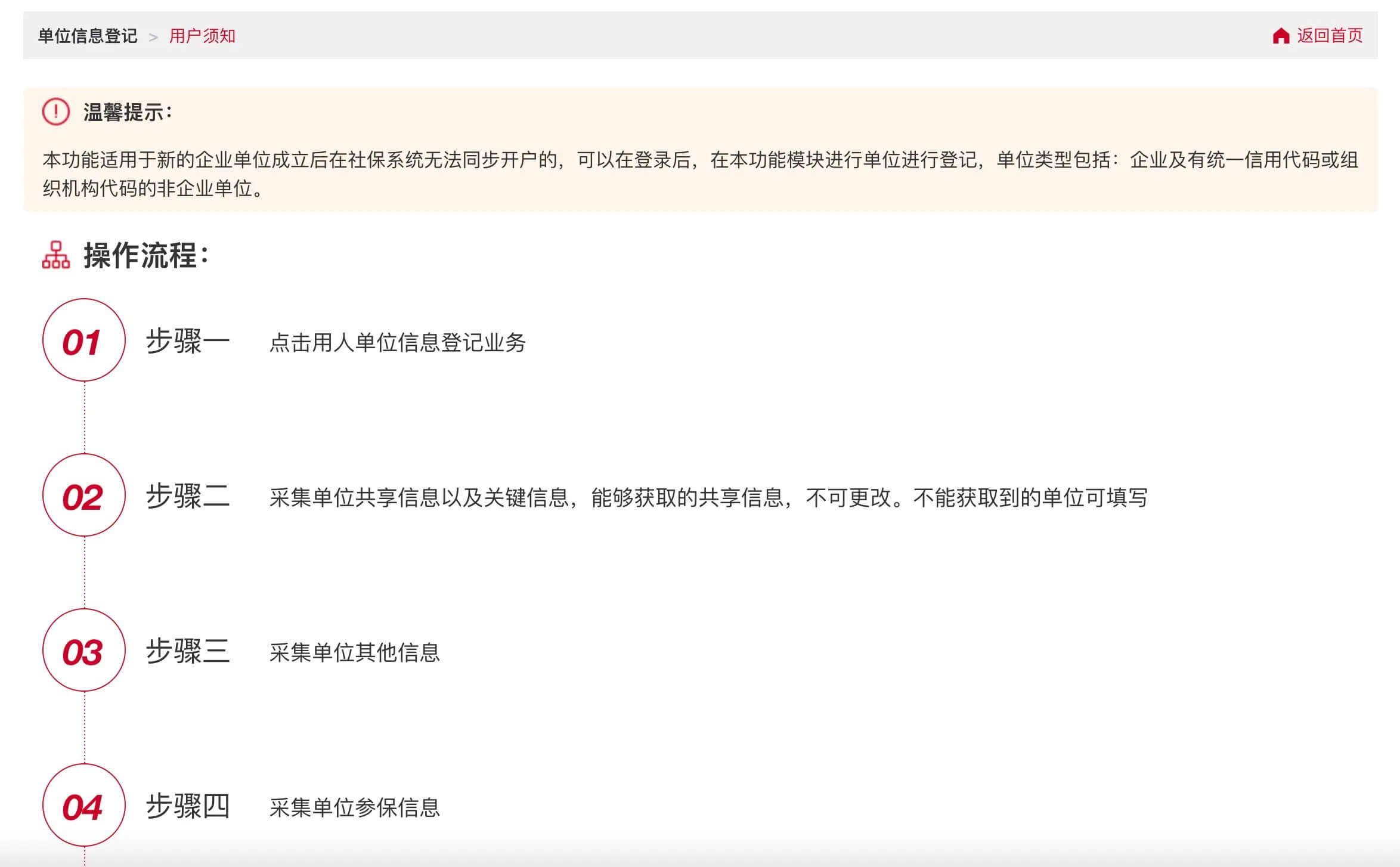

Then tap Start Declaration. Normally the system should pull in shared information, but it often does not; you may see a prompt like this instead.

Do not worry. You can try waiting a day or two, and the information may finish syncing. Waiting for the sync to succeed is strongly recommended.

Once synchronization succeeds, some fields will already be filled in and cannot be changed, such as Unit Type and Establishment Date.

For Registration Address, I entered the residence permit address exactly. The registration street was filled according to the actual address, because the Unit Operation or Office Address had been automatically populated with the online store address, which I had not selected earlier.
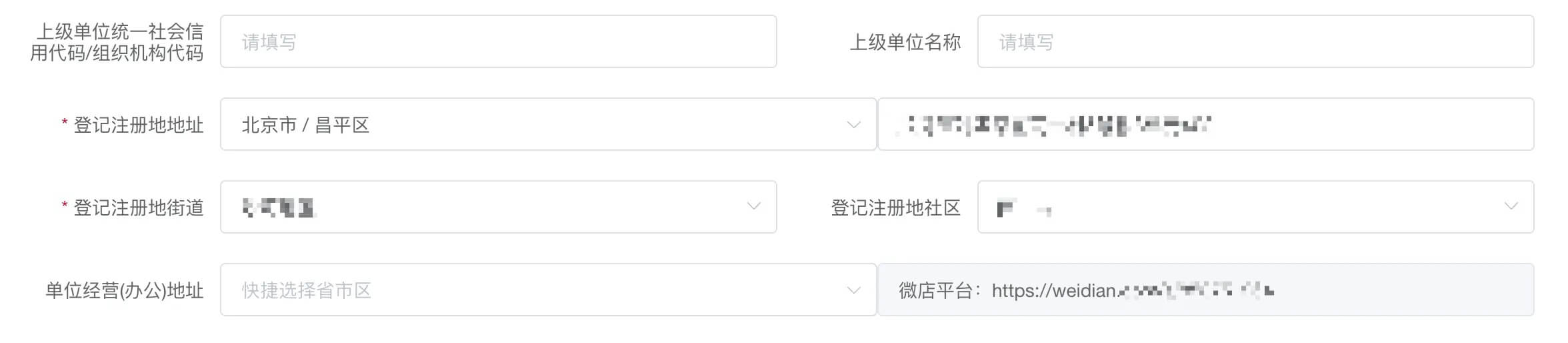
Fill in the business license section as usual. Scroll up to see the example screenshot; the registration authority and business scope have already been filled in automatically.

The industry was automatically filled as F5219. The legal representative or person in charge name was also filled in automatically; add the remaining information yourself.
After the information sync succeeds, the biggest difference is that you no longer need to upload supporting documents.

Go to Next Page, continue with the contact information, enter a mobile phone number and the verification code, then submit.
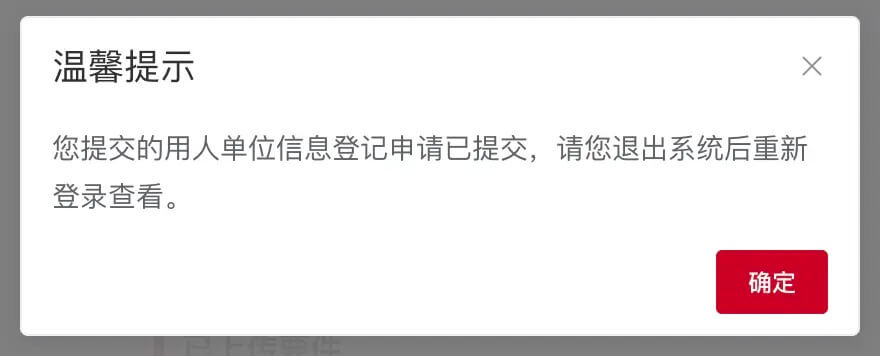
After clicking Confirm, you will go through login again. Scan with the Electronic Business License mini program, then open Unit Center.

You should see that the application has been completed immediately.
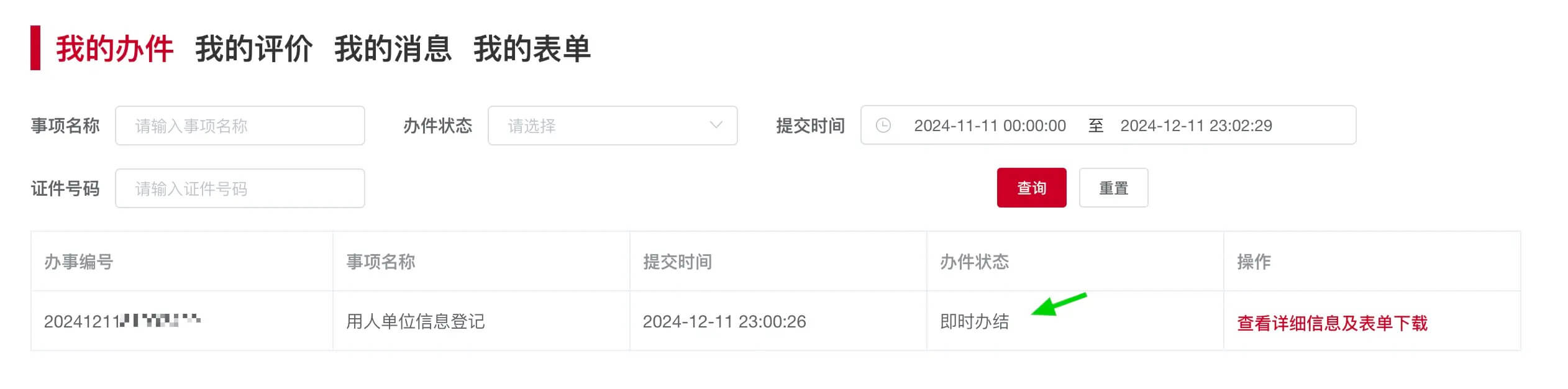
Tap View Details and Form Download to open the details page and see the result form.

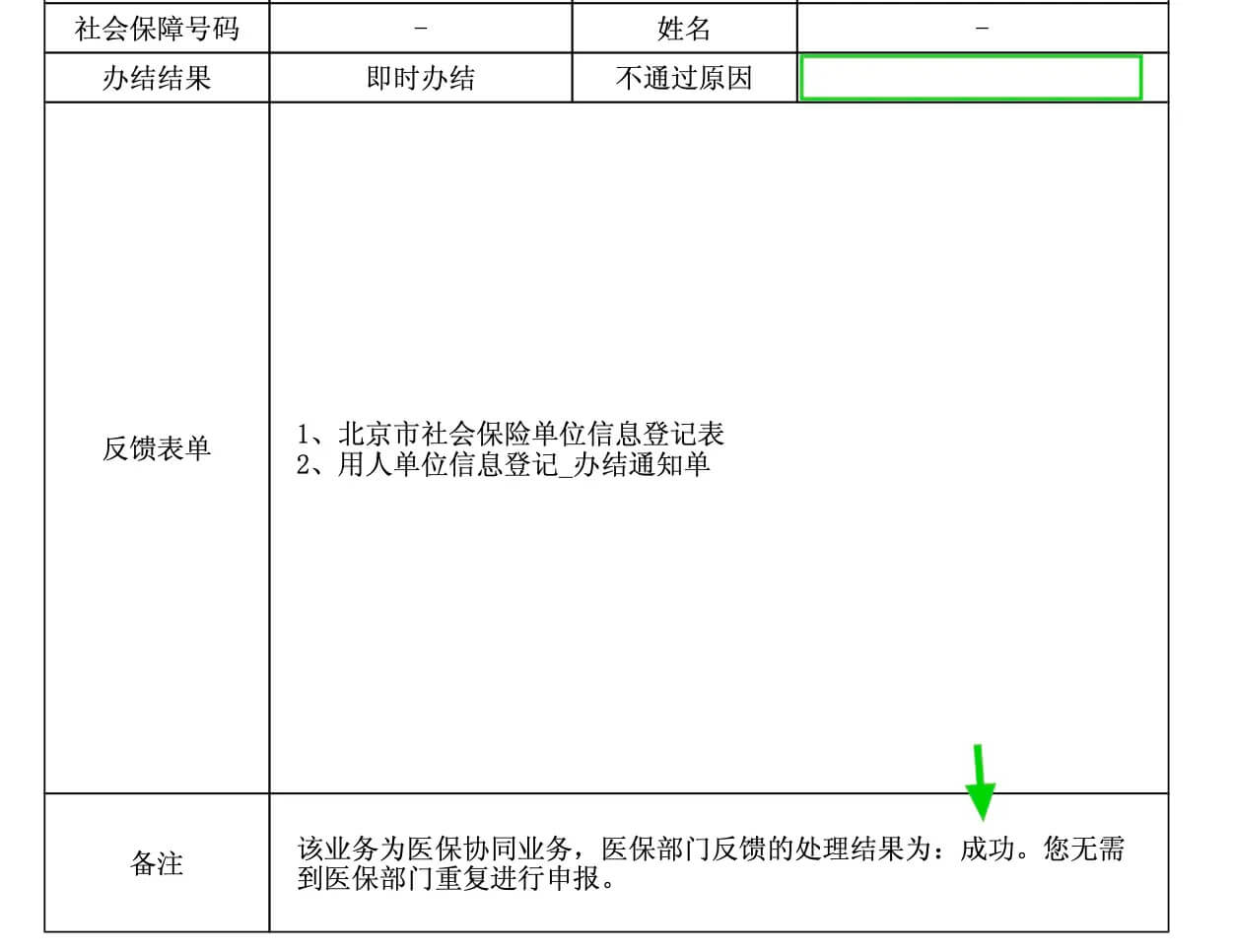
In the PDF named 用人单位信息登记_办结通知单.pdf, if the approval did not pass, the reason will be shown there.
Now return to the company home page after login: https://fuwu.rsj.beijing.gov.cn/zhrs/yltc/company/index
A function list should appear on the left. One note: use Chrome or another Chromium browser. Firefox has compatibility issues and may not display the left-side list.
At this point, employer information registration is complete. The next steps are adding employees and collecting the social insurance card.