ExHentai (exhentai.org) is the less visible half of E-Hentai. Access is not a single switch but a combination of an approved account, a valid cookie, and an IP that the site does not reject. A cookie can expire; the account credentials do not. Unless there is a specific reason to rely on cookies, username-and-password login is the more durable route. As of June 25, 2023, both the main site and ExHentai can be reached directly.
E-Hentai itself is widely described as one of the largest doujin-sharing communities and translation hubs, with a very broad range that runs from game CG packs and artist collections to cosplay. Its tagging system is unusually detailed, and Comiket releases often appear there first. The NON-H section is not an afterthought either: it can include a vintage comic from 1934, official animation booklets, and odd martial-arts manuals such as Chen Hegao's Unlimited Fighting Technique. Compared with some mobile manga platforms, its servers are stable and its interface is clean.
ExHentai differs in three practical ways.
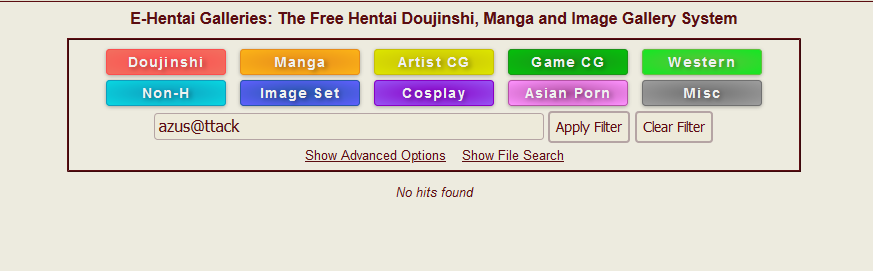
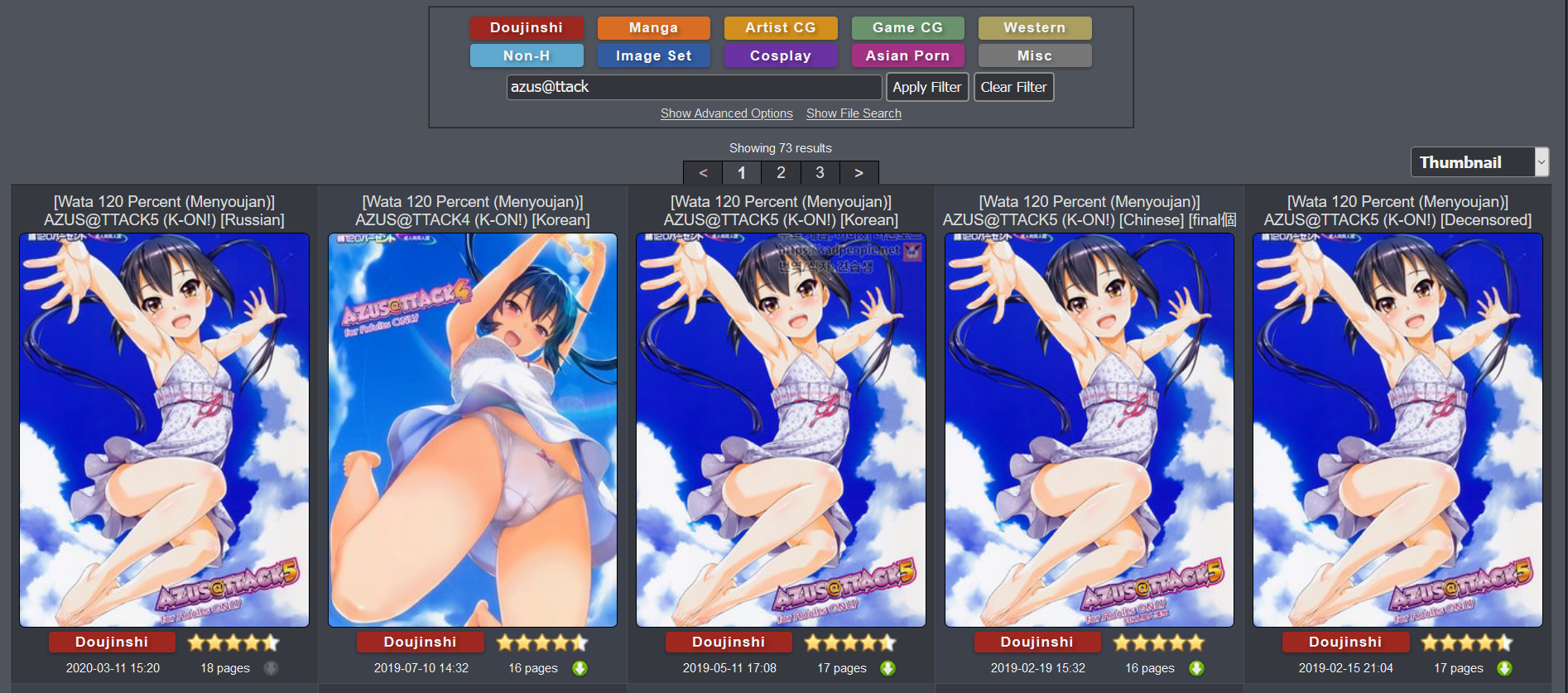
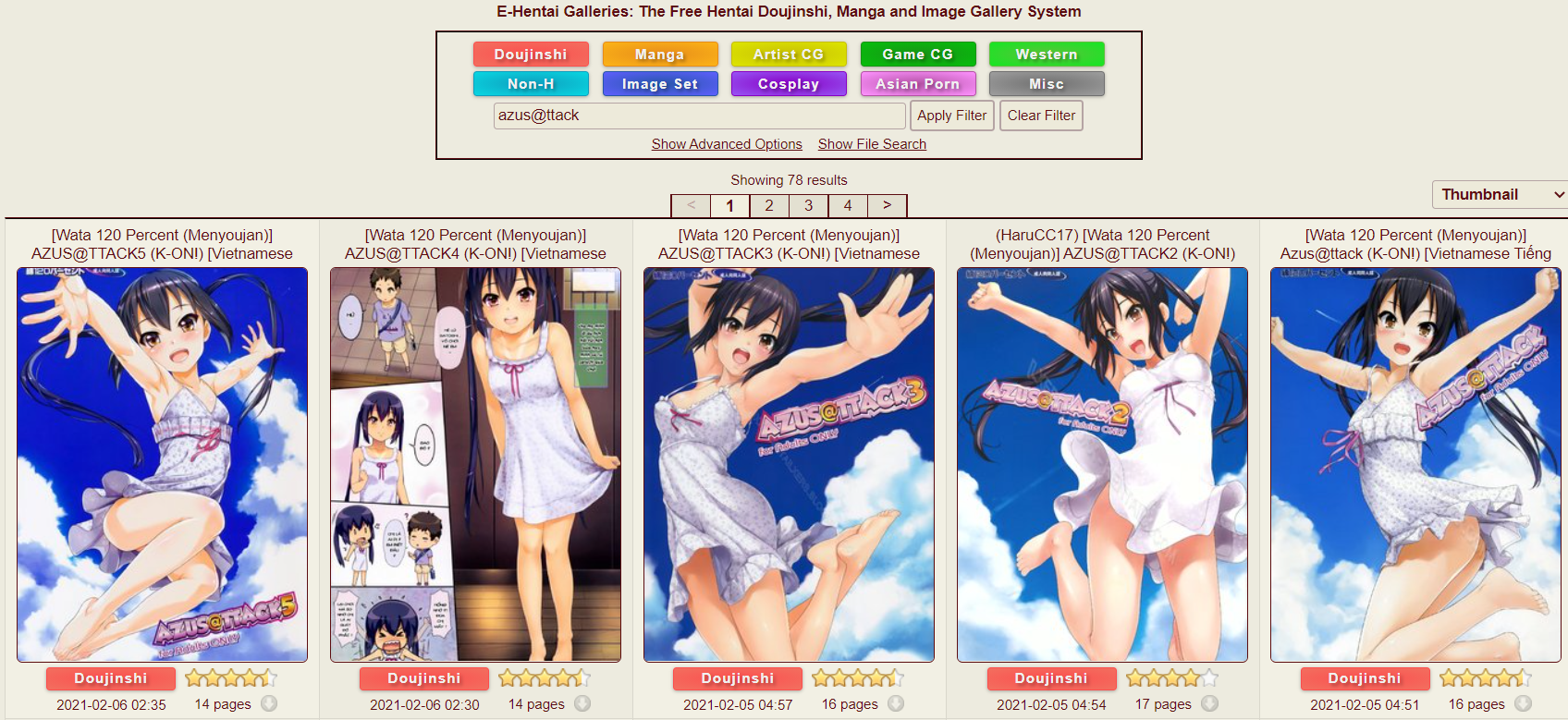
First, it carries more material. After a 2019 shutdown scare, all titles carrying the lolicon tag were confined to ExHentai, and some darker genres followed. For an ordinary user, the main site may expose roughly 20,000 pages of listings while ExHentai exposes roughly 30,000. A well-known example is AZUS@ATTACK: the main site cannot surface it, while ExHentai has multiple language versions, translated editions, and uncensored releases.
Second, ExHentai has historically been easier to reach. The GFW blocked the main site, but for a long time ExHentai was not blocked, so once access worked it could be used without changing network settings. The situation changed later, but direct access has repeatedly been possible through hosts entries, domain fronting, or other workarounds. In mid-2023 the main site's IP was temporarily blocked; a custom hosts entry for e-hentai.org pointing to 178.162.139.18, or to any api.e-hentai.org IP listed by the EH wiki, was a short-term fix. By June 25, 2023, direct access to both sites was working again.
Third, ExHentai does not show ads. The main site serves ads to ordinary users, sometimes of uneven quality; ExHentai does not.
Registering an E-Hentai account
The conservative registration rules are stricter than the actual review process. The recommended setup is a private European or American IP, not a shared public IP. If a public IP has already been used for an E-Hentai registration, the database may record it, and a second account on the same IP can put both accounts at risk. Accounts registered through Chinese, Japanese, or other Asian IPs are generally unable to obtain ExHentai permission. Gmail is the safer email choice; accounts using Chinese providers such as Sina, Sohu, 163, or QQ are more likely to be refused.
In practice the review is not absolute. A Singapore proxy and a foxmail address have been enough for some accounts, while other accounts remain blocked for a long time. The review mechanism is opaque, so following the conservative rules is still the safer approach.
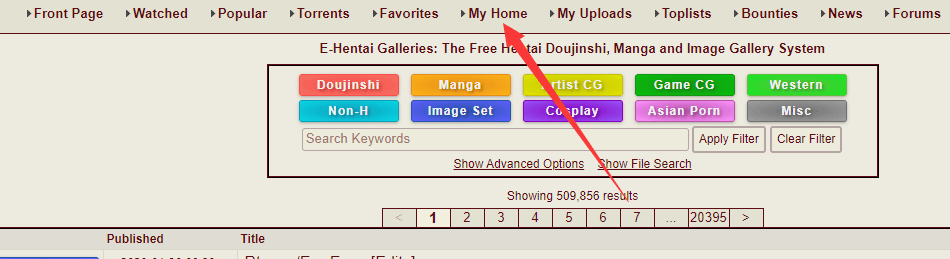
Using Firefox as the example, the registration sequence is straightforward. Open e-hentai.org, click My Home, then Register.
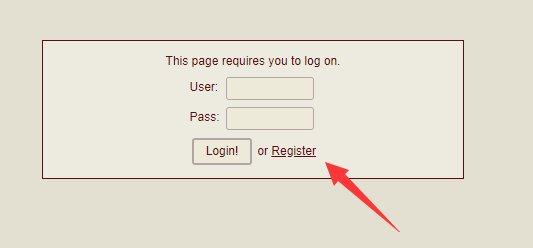
Accept the terms and continue.
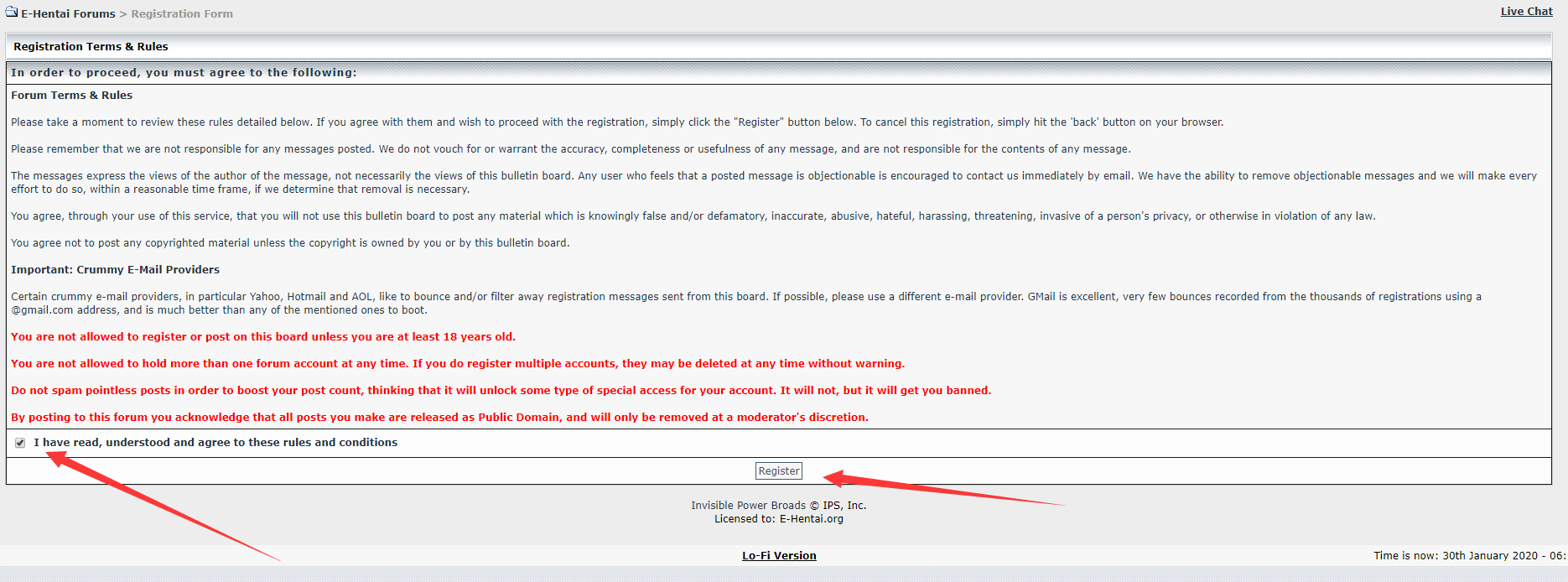
On the account form, log in username is the name used to sign in. display name is the public nickname shown beside gallery comments. The time zone can be left alone or changed; GMT+1 is a common choice.
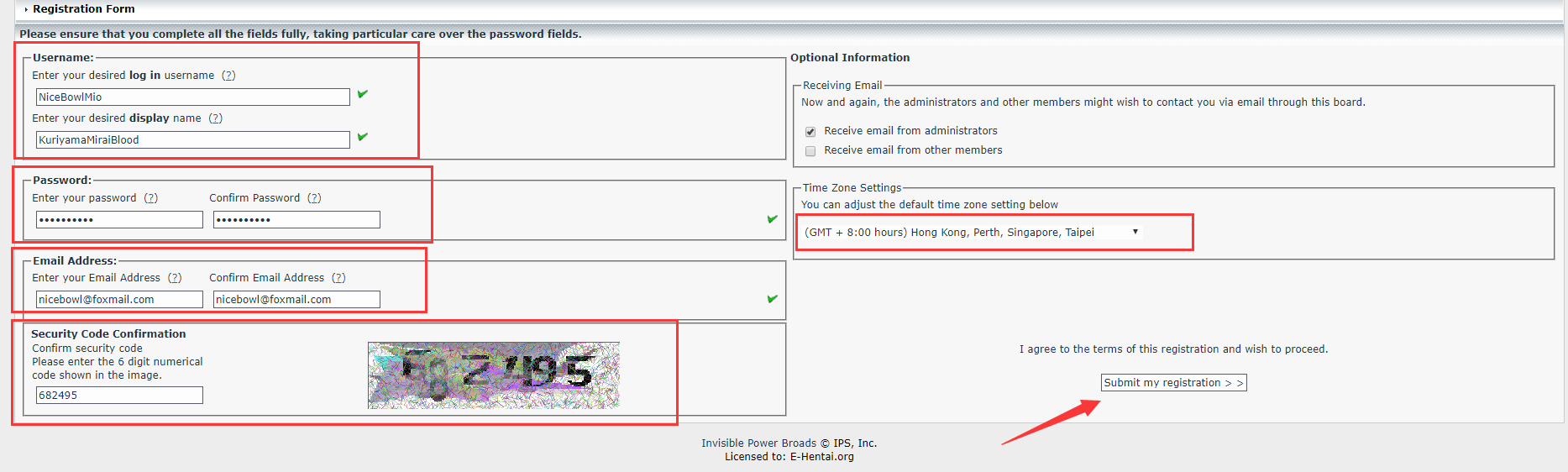
After submitting, the site returns to the login page. Enter the log in username and password, complete the human verification if it appears, and sign in.
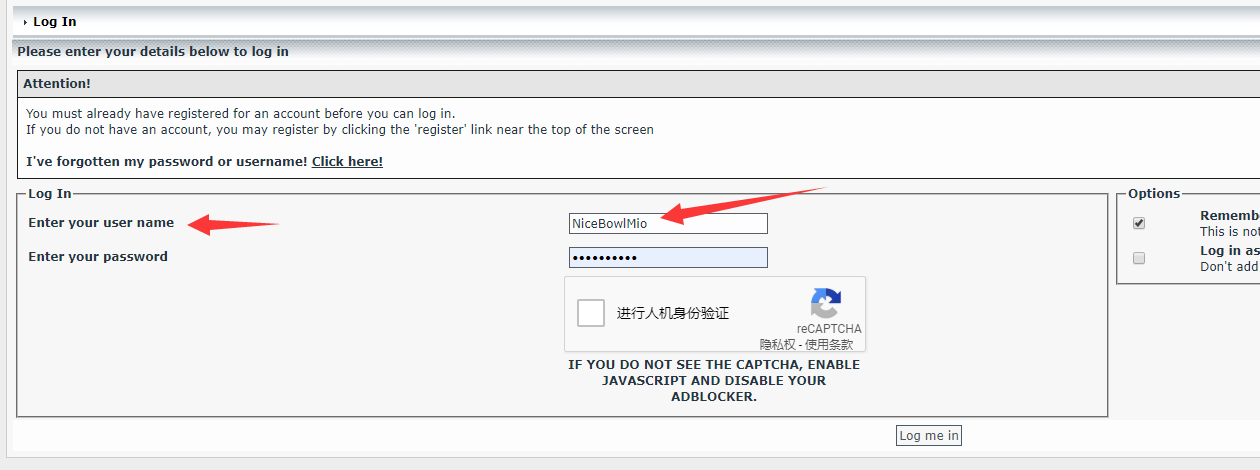
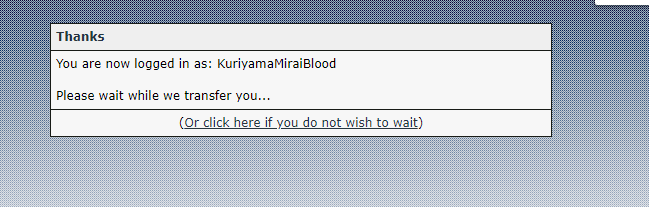
Return to e-hentai.org and open My Home. If the account page appears, registration and login succeeded.
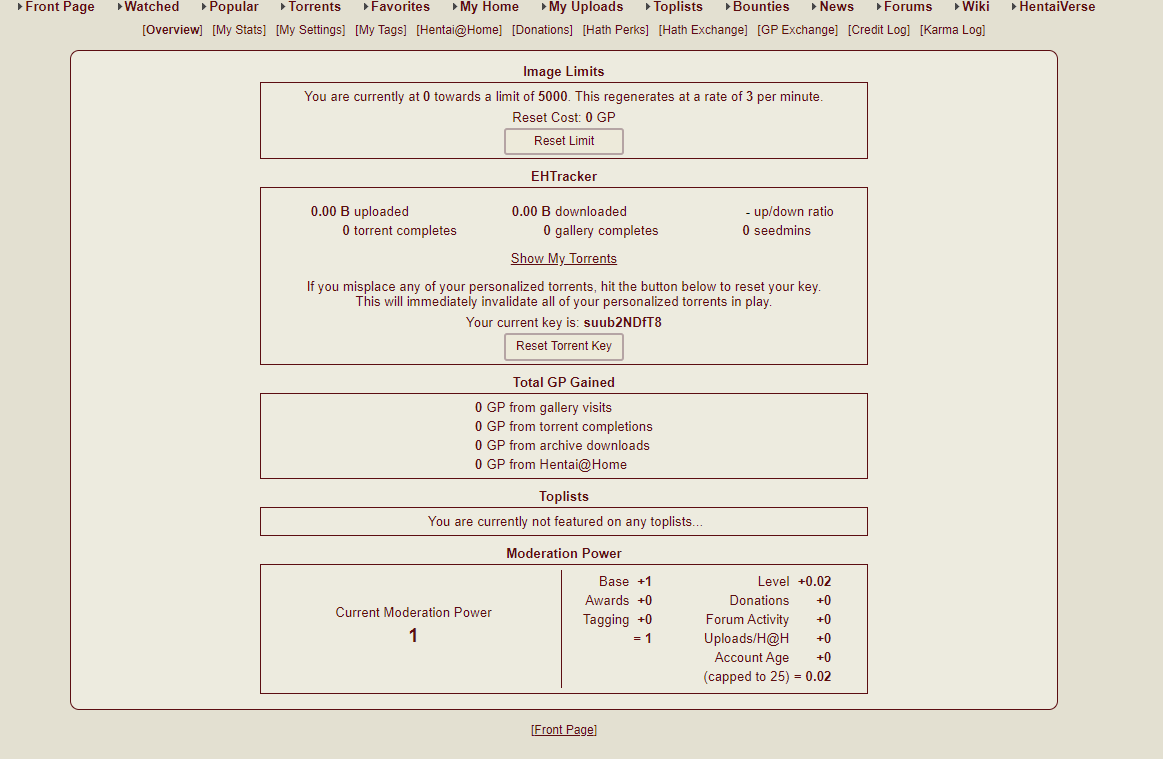
New accounts need backend approval before ExHentai permission is granted. The wait varies: some accounts clear in a little over a week, others take nearly a month, and the average is around 10 to 20 days. No email is sent when approval happens, so the only way to know is to test ExHentai access. If more than a month passes, consider whether the account used a Chinese email provider, an Asian IP, or an IP already tied to another account, and prepare a fresh registration.
Testing ExHentai permission
A blank white page on exhentai.org is the normal failure state. There are two underlying causes: the account has not been approved for ExHentai, or the IP is unsuitable, for example a Japanese or Korean IP. A bad stored cookie can also force the blank page until it is cleared. Before August 2019, failure showed the Sad Panda image, which is why the site is sometimes called the panda site; that image is no longer shown.
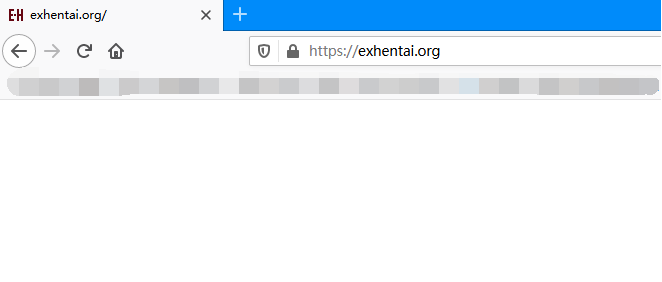
A failed visit writes a blocking cookie, so testing permission requires clearing ExHentai's site data first. Visit exhentai.org, let the blank page appear, then use the lock icon beside the address to clear the site data for ExHentai.
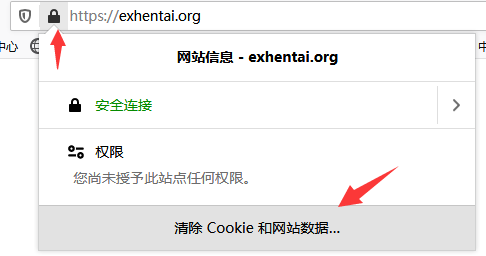
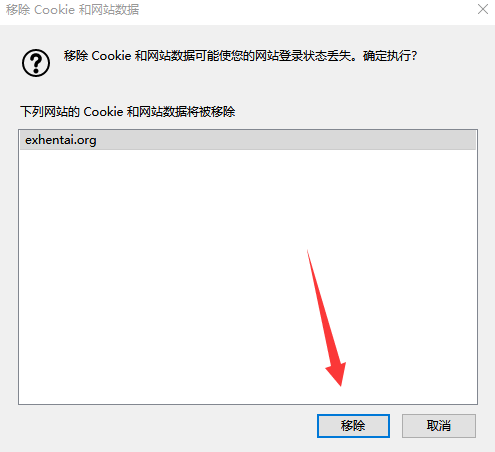
On other browsers or on mobile, if the site-specific controls are unclear, clear all browser data instead.
Next, log in at the main-site forum, forums.e-hentai.org. If the page already shows a logged-in state, continue to the next step.
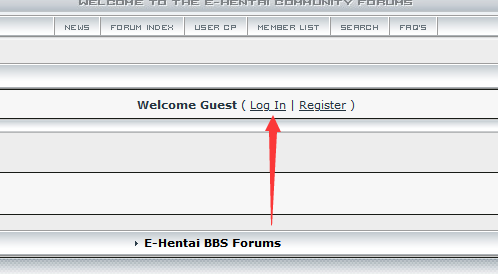
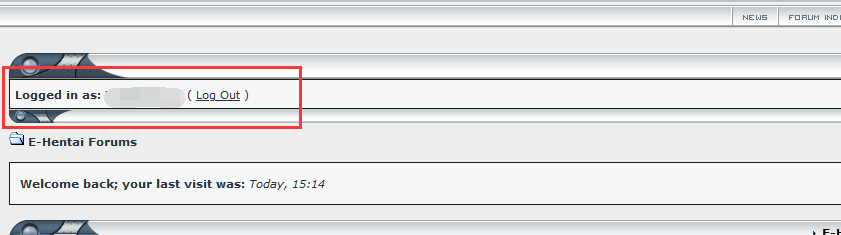
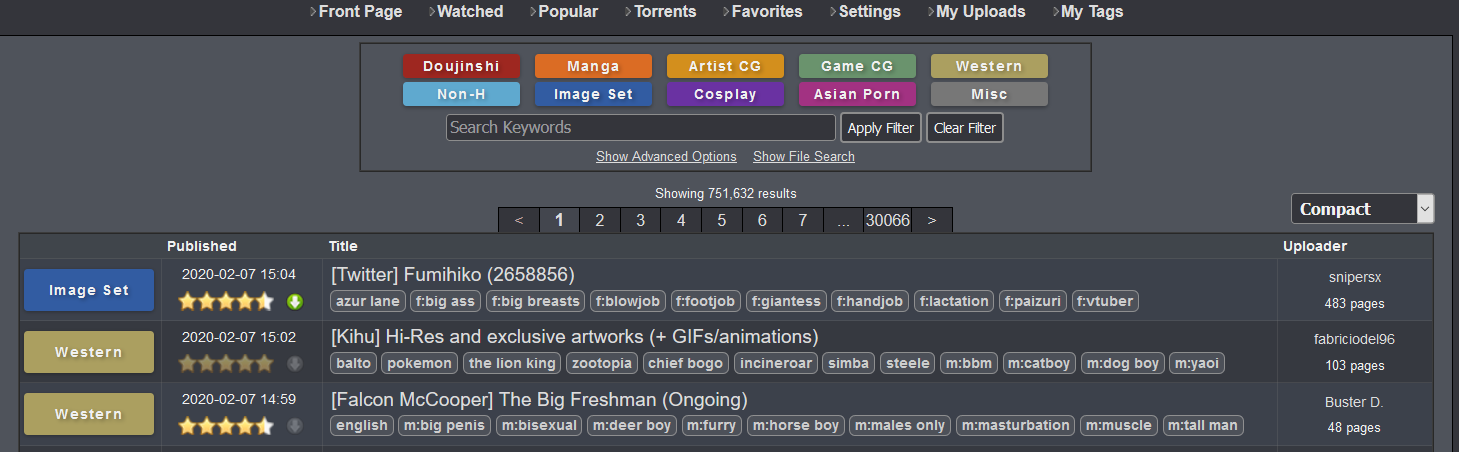
Open a new tab and visit exhentai.org again. If the page is still blank, the account does not yet have permission; try again after a few days. If the ExHentai home page appears, access has been granted.
What the cookie contains
A successful ExHentai visit creates a unique cookie set tied to the account: igneous, ipb_member_id, and ipb_pass_hash. On failure, the cookie is still written, but igneous is null or mystery, marking the session as invalid.

In Firefox, press F12 and look under Storage. In Chrome, press F12 and open Application. In Safari, press Option+Cmd+I. EhViewer users can find the values under Settings -> EH -> identity cookie.
When ExHentai is opened, the server checks the cookie first. A valid cookie enters directly. An invalid cookie skips the check and produces the blank page, which is why the cookie must be removed before testing permission. A valid cookie can also be copied into another app or device to enter ExHentai without repeating the login flow.
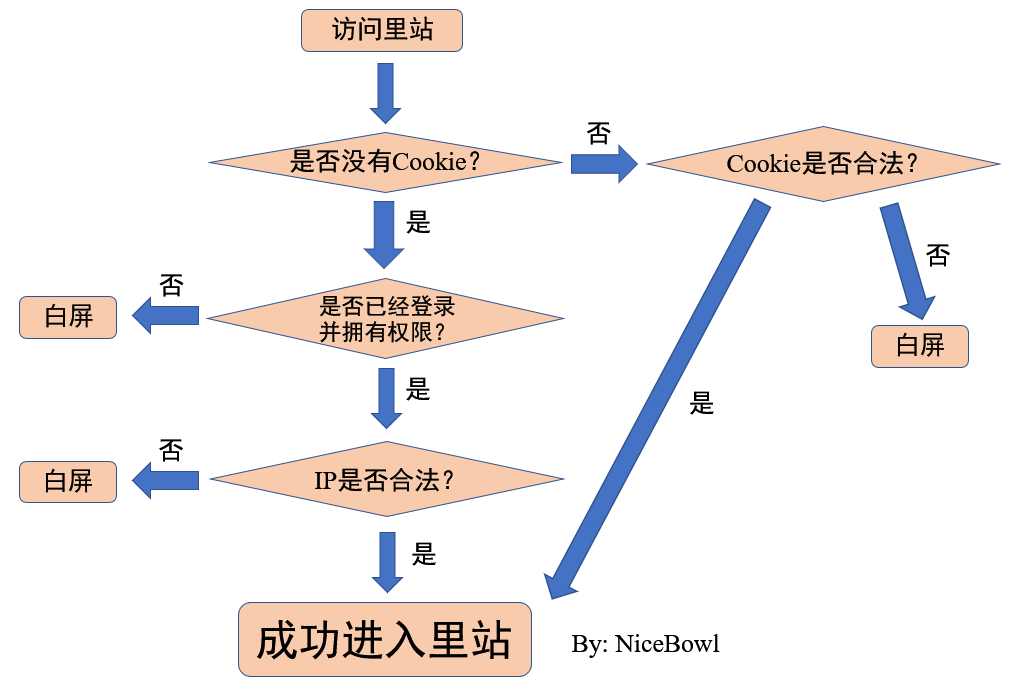
A legal IP is generally a European or American IP, or at least a non-Asian IP. Even European and American nodes can be blacklisted if too many users share them. Direct access from mainland China always fails the IP test, so cookie login is the only route there.
Quota, the 509 warning, and donations
Running the servers costs money, and E-Hentai uses an image quota to limit abusive downloading and crawling. Each IP gets 5,000 points. Viewing images and downloading resources consume those points. When the quota is exhausted, the site returns a 509 warning and blocks further browsing. The quota recovers slowly over time.

Because quota is counted by IP, shared VPN nodes are a common source of 509 errors. A large group of users dividing one IP's quota will hit the limit quickly. Changing nodes, changing providers, or connecting directly can help. Direct connection means only one user is consuming the quota.
A donation is another route. A minimum donation of 20 US dollars in Bitcoin or Bitcoin Cash makes the account a member. The quota is then counted per account rather than per IP, which avoids many 509 problems. Membership also lets the account view ExHentai works on the main site and removes ads there, but it does not grant ExHentai permission. Some third-party guides cover donating through Alipay or WeChat; treat those methods cautiously.
Third-party readers
EhViewer is an unofficial Android client for E-Hentai. Hippo's last public release was 1.7.3; the native EhViewer maintained in Hippo's Telegram group reached 1.7.8. After public development stopped, several forks appeared, fixing comment, thumbnail, and paging bugs and adding direct connection support.
- NekoInverter edition, the white E, is no longer maintained. Its last version was 1.7.26.4 and it added workarounds such as bypassing SNI blocking.
- SXJ edition, the newer green E, is another continuation and has fixed the paging bug.
- Overhauled edition, the color E, follows Material Design 3 and has separate 1.7 and 1.8 branches for Android 11- and Android 12+. It has also fixed paging.
- xb2016 edition is a modified white E based on NekoInverter 1.7.26.4 and adapted with reference to Overhauled. It does not open issues and only aims for minimum usability.
For Apple devices, EhPanda is an iOS and iPadOS client developed by Araki Tatsuzou. It is visually polished but less feature-complete, supports direct connection, and has fixed paging. FEhViewer is a Flutter-based cross-platform client for Android, iOS, Windows, and macOS. JHenTai supports Android, iOS, Windows, macOS, and Linux. App-specific problems should go to the relevant project's issue tracker.
Practical points worth repeating
Registration and permission testing both favor European or American IPs. Asian IPs such as Hong Kong are likely to fail even if the account itself is fine. Avoid Chinese email providers. Keep log in username and display name distinct. If the captcha keeps failing, the proxy is probably poor; change it. Type URLs exactly, including https rather than http. EhViewer users should also enable a proxy when logging in with credentials.
The old Panda Bookmark project provided shared accounts, but those accounts are often banned and the project is no longer maintained; failure to reach ExHentai through them is expected.
A useful three-step routine is: log out and clear browsing data, connect through a European or American proxy and log in at the main site, then open ExHentai. Even an approved account can lose permission, so avoid sharing an account and avoid download bots or crawlers.
Cookie values can be checked in Firefox under F12 > Storage, in Chrome under F12 > Application, in Safari with Option+Cmd+I, and in EhViewer under Settings -> EH -> identity cookie.
Direct access and the blocking history
Before November 26, 2020, the main site was blocked by DNS pollution, but hosts entries made it reachable, and ExHentai was not blocked at all. Early EhViewer builds relied on built-in hosts for this.
From November 26 to December 10, 2020, both sites suffered DNS pollution. Editing the hosts file restored access. The relevant addresses were:
94.100.18.243 forums.e-hentai.org
104.20.134.21 e-hentai.org
104.20.135.21 e-hentai.org
172.67.0.127 e-hentai.org
178.175.132.20 exhentai.org
178.175.132.22 exhentai.org
178.175.128.252 exhentai.org
178.175.128.254 exhentai.org
178.175.129.252 exhentai.org
178.175.129.254 exhentai.org
81.171.10.48 ehgt.org
178.162.139.24 ehgt.org
178.162.140.212 ehgt.org
37.48.89.44 ehgt.org
172.67.0.127 xml.ehgt.org
On PC, these lines could be placed in the hosts file at C:\\WINDOWS\\system32\\drivers\\etc. EhViewer releases updated their built-in hosts or introduced DoH to handle the same problem.
From December 10, 2020 onward, the block moved to SNI filtering. Direct access still remained possible. EhViewer forks added domain fronting or similar techniques. On PC, local reverse proxies and tools such as GotoX, Accesser, or revolter-firefox were used to bypass SNI blocking.
A legacy Firefox 32.0 method used the Escape add-on. Modern Chrome and Firefox do not allow the necessary SNI changes, and that old-browser route is no longer maintained. The idea was to write the hosts entries first, install Escape, then add two domain-fronting rules, one for the main site and one for ExHentai, taking care not to omit the two wildcard asterisks.
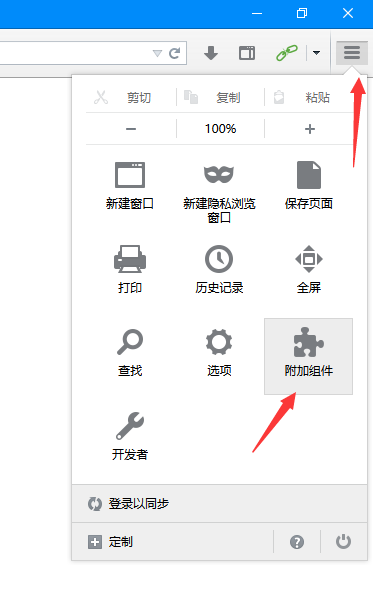
If gallery images would not load in Firefox 32.0 because it rejected the Let's Encrypt R3 certificate, one more rule fixed it:
website *.hath.network
sni *.hath.network
certificate exception √
Firefox 32.0 also did not support reCaptcha well, so cookie login was the workaround. Firebug could edit cookies: write igneous, ipb_member_id, and ipb_pass_hash, delete yay, and set a distant expiration date. For the main site, only ipb_member_id and ipb_pass_hash were needed.
The logic underneath all of this is simple: a valid account, a valid cookie, and an IP that is not on the wrong list. When those line up, exhentai.org behaves like an ordinary gallery site.