GitHub now lets you put something very close to a homepage right at the top of your profile, so I decided to use that space to surface whatever I have written most recently.

The profile this feeds into is zeekling.
The project behind it
The code lives at https://git.zeekling.cn/zeekling/github_zeekling. Clone it and run the build script:
git clone ssh://[email protected]:222/zeekling/github_zeekling.git
cd github_zeekling
./build.sh
Configuration
Everything the generator needs sits in one config file:
# Blog name
blog.title=小令童鞋
# Secondary heading
blog.subTitle=梅干菜你个小酥饼哦。
# Homepage
blog.home=https://www/zeekling.cn
# rss
blog.rss=https://www.zeekling.cn/rss.xml
# Blog icon
blog.favicon=https://img.zeekling.cn/images/2020/02/23/logo.th.png
# github token
github.pat=<your_github_personal_access_token>
# Project name, i.e. your own username
github.repoName=zeekling
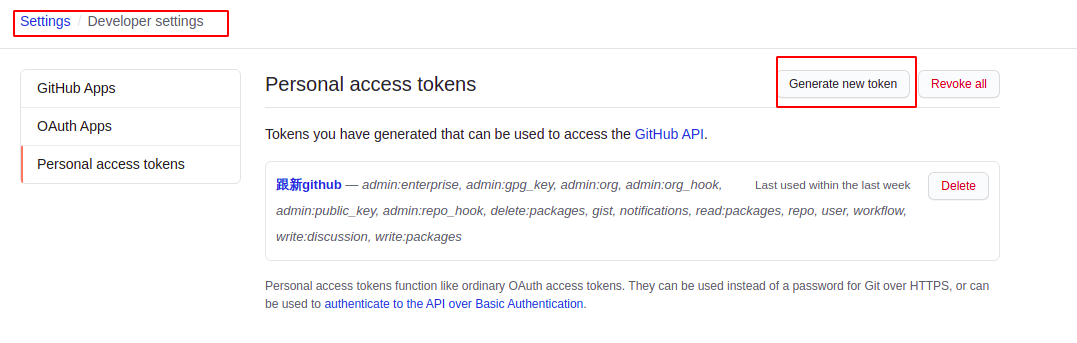
The github.pat value is a personal access token you create on GitHub yourself — generate one under your developer settings with push permission for the target repository, and keep it out of any public copy of the file.
Running it
With the config filled in, start the generator from the build directory:
cd build
./start.sh
From that point on the README on the profile reflects the newest entries from the RSS feed, so the profile page stays current without any manual editing.