While reading the third volume of My Youth Romantic Comedy Is Wrong, As I Expected—I’ll just call it Oregairu here—the bonus material at the end caught my attention. It includes a short story adapted from a drama CD, titled “A Birthday Song, For Example,” centered on Yui Yuigahama’s birthday. The whole setup was pretty entertaining, so I went looking online and eventually found the audio version of the drama CD.
The problem was that it had no subtitles.
That was enough to make me want to try making some myself. My Japanese is, to put it mildly, not great, but after all these years of watching anime and related material, I can at least guess my way through parts of it. With the translated text from the novel as a reference, it seemed just barely possible to put together a subtitle track.
The actual work, however, was another matter.
I’m honestly not very comfortable making subtitles, and Premiere Pro isn’t exactly something I can use smoothly either. Part of the issue is hardware: my laptop is an old 2014 ASUS Flying Fortress model with a GTX 950M, and asking it to run PR properly is a bit much. The other part is simpler—I’m too lazy to sit down and learn Premiere in a systematic way.
So the original idea of handling the entire subtitle workflow inside PR quickly became unrealistic. In the end, I settled for a compromise: use PR only to combine the images and audio into a basic video, then switch to another program for the actual subtitle work.
That raised a new question: what subtitle software should I use? Most search results pointed to Aegisub.
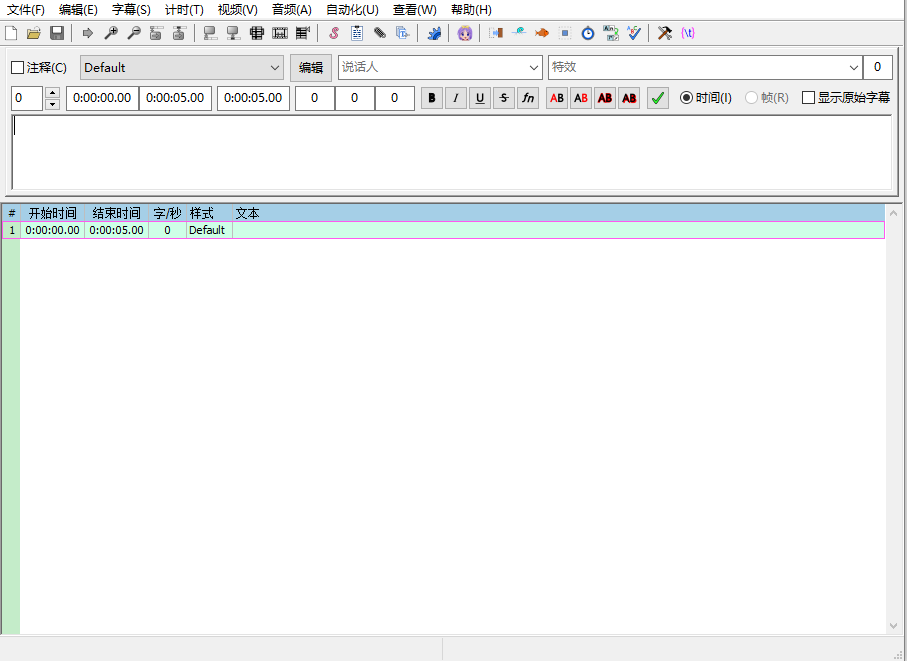
Just looking at the interface was enough to make me feel defeated. It is obviously specialized subtitle-making software, but it also clearly isn’t something you casually open and immediately master. Even memorizing what all those densely packed icons mean would probably cost me more brain cells than I’m willing to spend.
So I looked for an alternative and found ArcTime, which seemed much easier to get started with.
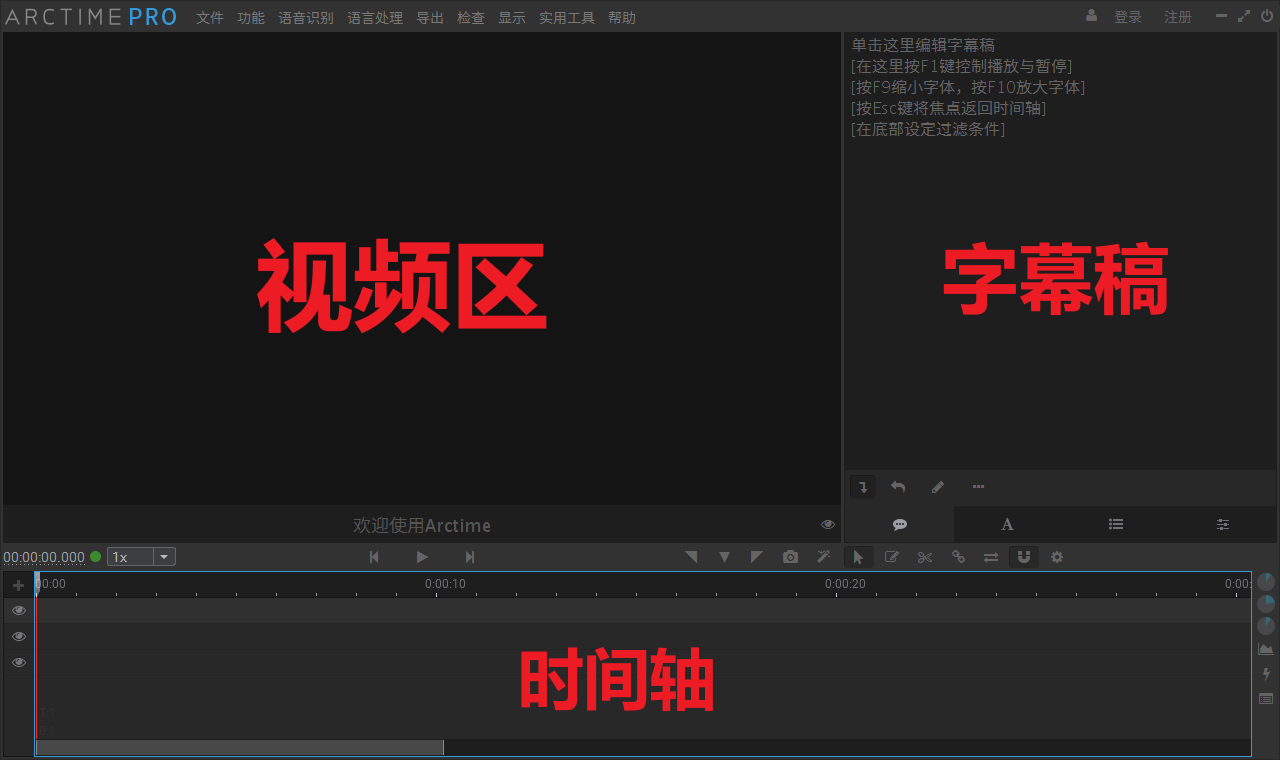
And it really was simpler. I used OCR to extract the subtitle text from the novel, divided it into sections according to the audio, made small adjustments based on the context, and then brought everything into ArcTime to match the lines to the timeline. After that, I used the video export function built into the software to combine everything and generate the final subtitled version.
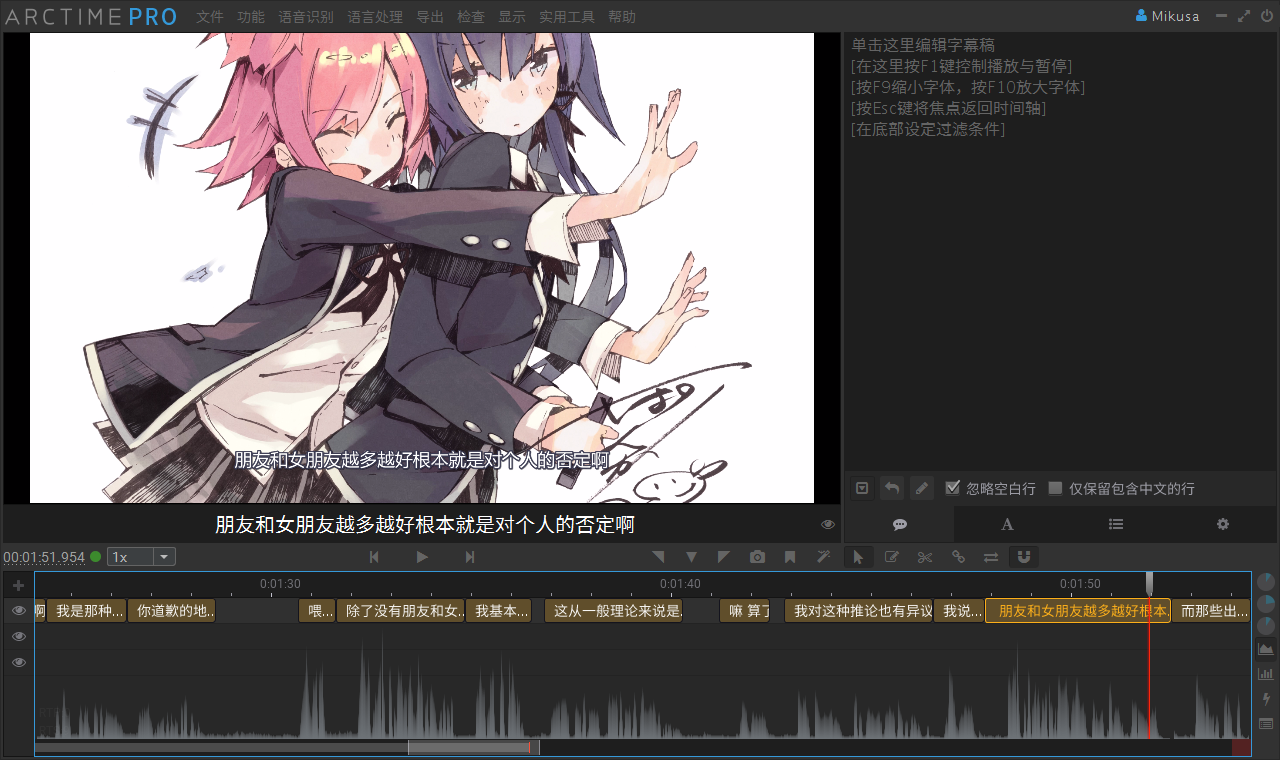
For now, the finished part only covers the prologue and the first scene of Act One. As for when the whole thing will be completed, that is still very much unknown.