A friend dropped off a computer saying one of his programs wouldn't open. I tried launching it, and a prompt appeared saying .NET 4.0 was required. That seemed simple enough, so I downloaded the installer—only to have it fail with an error.
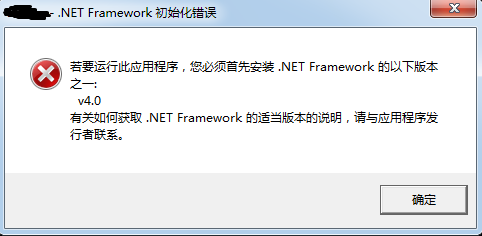
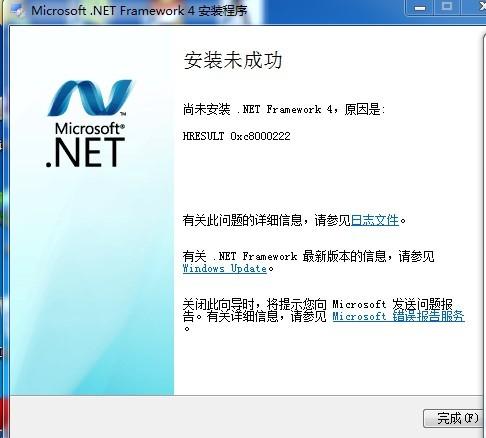
A quick search made the cause clear: my friend had already tried installing .NET 4.0 himself, but it took too long and he lost patience. He forced it closed, which left the patch installer files damaged.
Once the cause was known, the fix was straightforward. There are plenty of suggested solutions online, but this was the one that actually worked:
- Go to Start → Run → type
cmd→ press Enter. In the command window, runnet stop WuAuServ(this stops the Windows Update service; otherwise the folder below cannot be renamed because Windows says it is in use). - Go to Start → Run → type
%windir%(usuallyC:\windows). - Find the folder named
SoftwareDistribution, rename it to any name that doesn't conflict with another folder, or delete it directly. (This restarts the update service.) - Go to Start → Run → type
cmd→ press Enter. In the command window, runnet start WuAuServ.
After that, I ran the .NET 4.0 installer again, and everything went through without a hitch.