Ubuntu 18.04 no longer runs /etc/rc.local at boot by default, so systems that depend on it need a small systemd unit to bring the old behavior back. The fix is straightforward: recreate the service, create the script, make it executable, and enable the service.
Start by creating a new unit file:
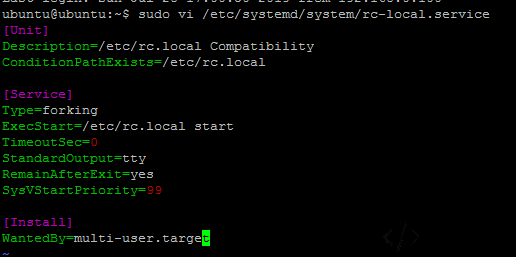
sudo vi /etc/systemd/system/rc-local.service
Paste this content into the file and save it:
[Unit]
Description=/etc/rc.local Compatibility
ConditionPathExists=/etc/rc.local

[Service]
Type=forking
ExecStart=/etc/rc.local start
TimeoutSec=0
StandardOutput=tty
RemainAfterExit=yes
SysVStartPriority=99

[Install]
WantedBy=multi-user.target
Next, create /etc/rc.local:
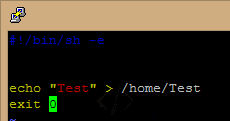
sudo vi /etc/rc.local
Put the commands you want to run at boot between the shebang line and exit 0. The echo line below is just a test; once you have confirmed that startup works, that second line can be removed.
#!/bin/sh -e
echo “Test” > /home/Test
exit 0
Make the script executable:
sudo chmod +x /etc/rc.local
Enable the service so it is pulled in at boot:
sudo systemctl enable rc-local
Start it and check its status:
sudo systemctl start rc-local.service
sudo systemctl status rc-local.service
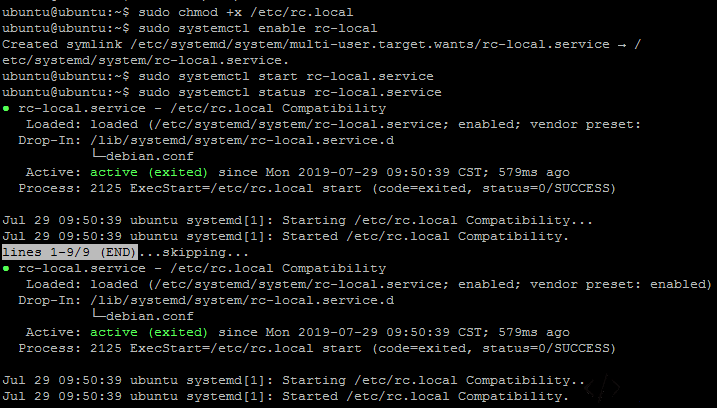
Finally, reboot and check whether /home/Test exists. If it does, the startup script ran and rc.local-style boot behavior is working again.