Check real-time traffic on a network interface
To monitor network throughput on a server, you can read the interface counters from /proc/net/dev and calculate the difference over a one-second interval. This makes it possible to see incoming and outgoing traffic in real time.
Script
<table> <thead> <tr> <th>1 2 3 4 5 6 7 8 9 10 11 12 13</th>
<th>#!/bin/bash eth0=$1 echo -e "流量进入--流量传出 " while true; do old_in=$(cat /proc/net/dev |grep $eth0 |awk '{print $2}') old_out=$(cat /proc/net/dev |grep $eth0 |awk '{print $10}') sleep 1 new_in=$(cat /proc/net/dev |grep $eth0 |awk '{print $2}') new_out=$(cat /proc/net/dev |grep $eth0 |awk '{print $10}') in=$(printf "%.1f%s" "$((($new_in-$old_in)/1024))" "KB/s") out=$(printf "%.1f%s" "$((($new_out-$old_out)/1024))" "KB/s") echo "$in $out" done</th>
</tr>
</thead>
<tbody>
<tr>
<td></td>
<td></td>
</tr>
</tbody>
</table>
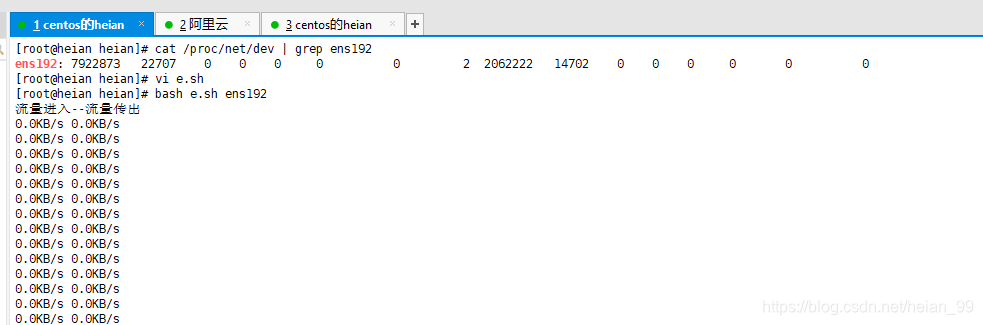
The script takes the network interface name as its first argument, such as eth0. It first reads the inbound and outbound byte counters, waits for one second, then reads them again. By subtracting the earlier values from the later ones and converting the result to kilobytes, it prints the current inbound and outbound rate in KB/s.
The output header shows incoming traffic first and outgoing traffic second.