When you need to shrink an image, the usual instinct is to open a graphical editor, load the file, find the resize option in a menu, adjust it, and save the result. Even on Linux, that is often the first thing people do. On Ubuntu, for example, a tool like GIMP would be the obvious choice.
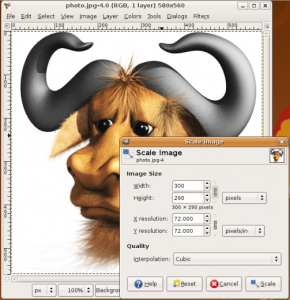
But on the command line, the same job can be done with a single command:
convert -resize 300 profile.jpg profile_small.jpg
To use that, you need ImageMagick installed. On a Debian or Ubuntu-based system, you can install it with apt-get install imagemagick.
That alone is already a good reminder of why the command line is so appealing: simple tasks can become almost effortless. And image resizing is only the beginning.
Add a shadow to an image
You can also generate a shadow effect from the shell:
convert screenshot.jpg
\( +clone -background black -shadow 60×5+0+5 \)
+swap -background white -layers merge +repage shadow.jpg
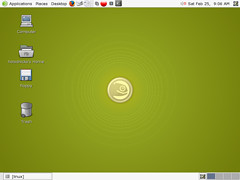
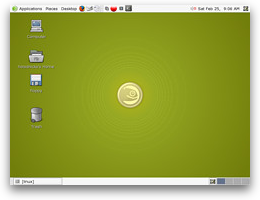
The result looks like this:
Join two MP3 files
If you want to concatenate two MP3s, one line is enough:
cat 1.mp3 2.mp3 > combined.mp3
Clone a disk device
To copy one hard drive device directly to another:
dd if=/dev/hda of=/dev/hdb
Burn an ISO image to disc
Writing an ISO to optical media can also be handled from the terminal:
cdrecord -v speed=8 dev=0,0,0 name_of_iso_file.iso
Convert video formats
AVI and MPEG conversion is just as straightforward with ffmpeg:
ffmpeg -i video_origine.avi video_finale.mpg
ffmpeg -i video_origine.mpg video_finale.avi
ffmpeg can do far more than this, but even these basic examples show how much media work can be done without ever opening a GUI.
Replace text inside a file
A quick text substitution is another classic command-line task:
sed ’s/#FF0000/#0000FF/g’ main.css
That replaces #FF0000 (red) with #0000FF (blue) throughout main.css.
If you really enjoy working this way, a good next step is to spend more time with the command line itself. There is even a free online book worth looking up: Introduction to the GNU/Linux Command Line.